
№ 29 — Object removal · Cleanup & quality
Object removal — clear the distractions, keep the room.
Erase clutter, a stray chair, cords, wall marks, or the car in the driveway — and let the wall, floor, and light behind them rebuild as if the object was never there.
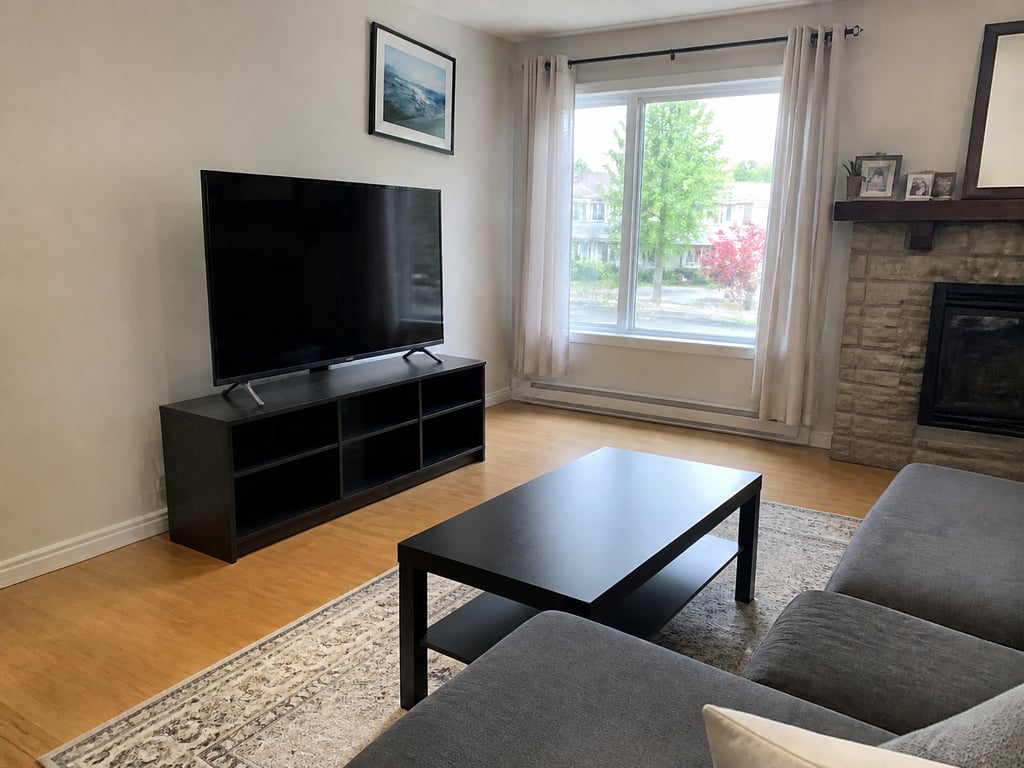 BeforeAfter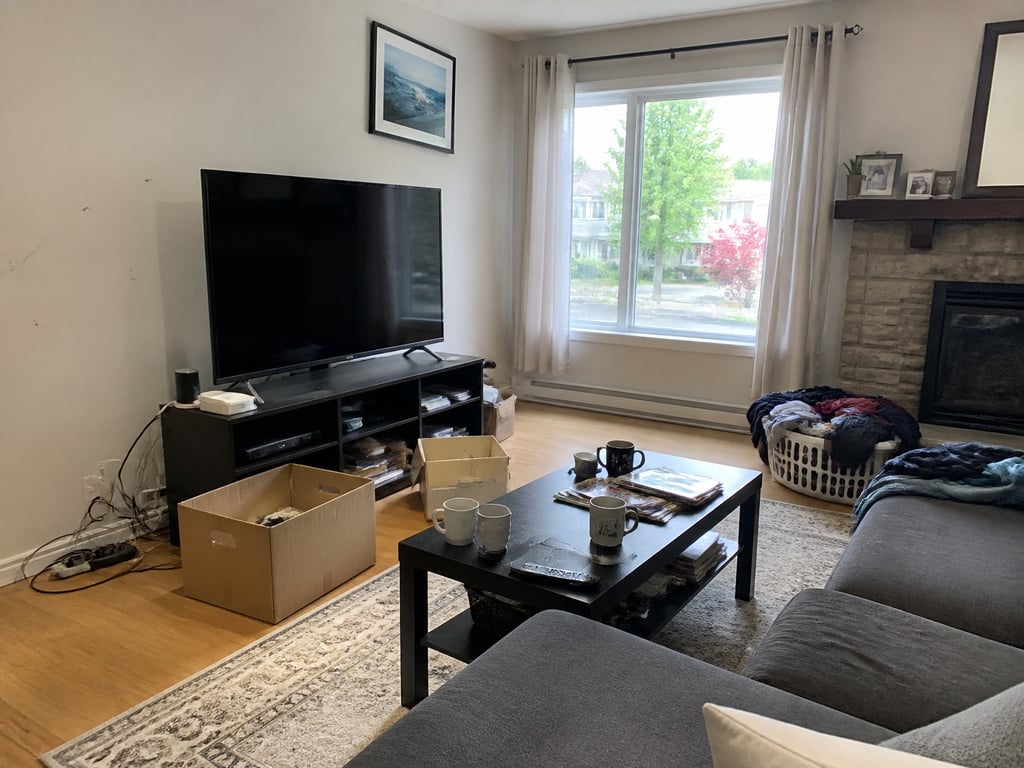
Object removal · living room cleared
More before / afters
Clutter
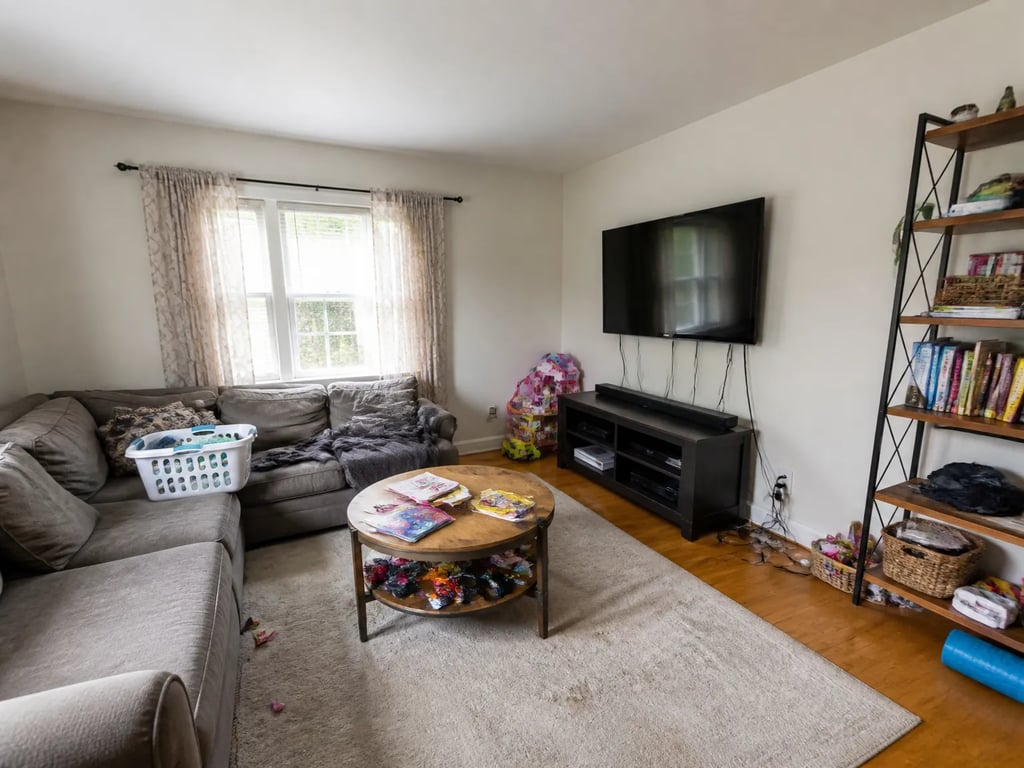
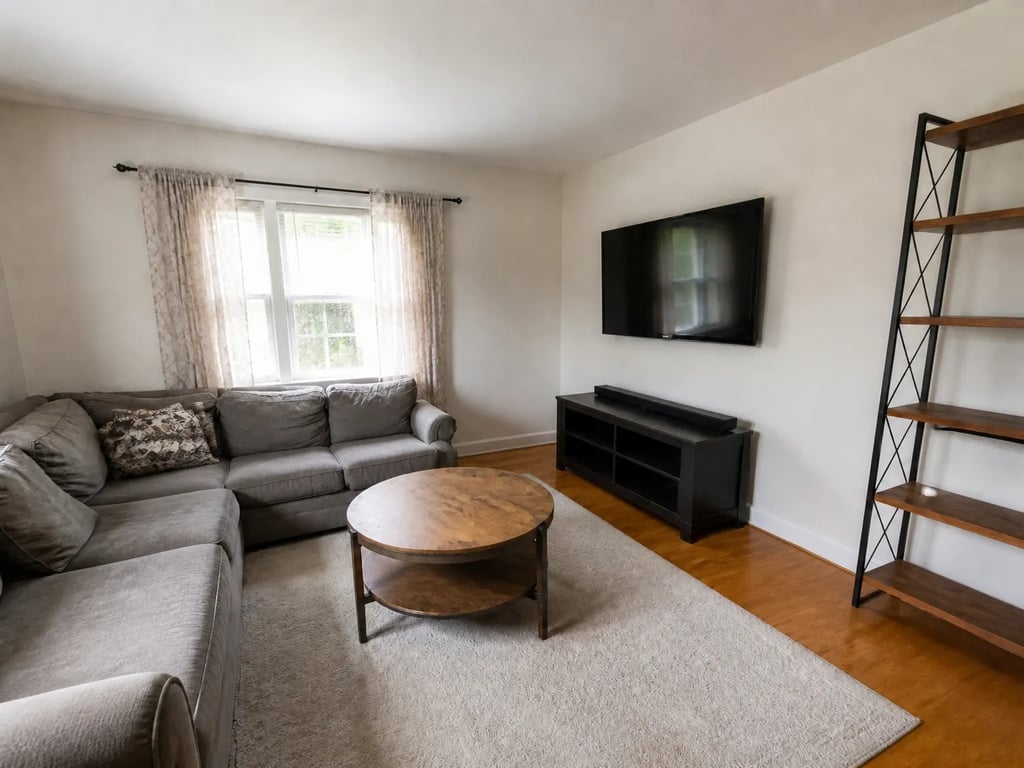
Clutter
Erase clutter, a stray chair, cords, wall marks, or the car in the driveway — and let the wall, floor, and light behind them rebuild as if the object was never there.
Drag to compare · 01 / 04
The problem
One distracting object can sink an otherwise strong photo — a trailing power cord, a half-packed box, a scuff on the wall, a neighbor's car parked across the driveway. Object removal takes out exactly what you point to and reconstructs the surface behind it, so the frame reads clean instead of busy.
Name the target — everyday clutter, a single piece of furniture, wall marks, cords and wires, mirror reflections, or exterior cars and bins — or describe one specific thing to erase. Everything you didn't ask to remove stays exactly where the camera saw it.
The standard
- Only the targeted items leave. Furniture, decor, and architecture you kept stay untouched.
- The wall paint, floor grain, baseboards, and trim continue cleanly through the gap — no patches, no smears.
- Lighting direction, shadows on the remaining objects, camera angle, and crop stay as shot.
The handoff
Hi-res JPG paired with the original, so the before and after read as the same photo with the distraction quietly gone. Branded export per office.
Companion tools
Object removal belongs to the Cleanup & quality group — the room is right, it just has something in the way. Companion tools handle the other one-pass cleanups on the same photo.
When Vesta runs it
Used as a quick cleanup pass — drop in a photo, name what to remove, and hand back a frame that reads listing-ready without the distraction.
Field notes
Read the studio note on removing distractions without leaving a tell-tale patch behind.
Field reading
Compare
Aerial drone vs ground exterior: when each viewpoint sells the listing
A drone shot shows the lot. A ground shot shows the entry. Both belong in a serious listing — but they answer different questions, and most marketing campaigns lead with the wrong one.
Compare
Photo enhancement vs reshoot: when post-processing is enough
A weak listing photo can be fixed with post-processing or by going back and shooting again. The choice depends on which kind of weakness — and most agents reach for the more expensive option when the cheaper one would have worked.
Compare
Object removal vs decluttering: surgical edit or full pass?
Both tools take things out of a listing photo. Object removal targets one item; decluttering sweeps the room. Choosing the wrong one either misses the problem or over-edits a perfectly good photo.
Compare
Phone vs professional photography for listings: what the camera actually changes
Modern phones produce strikingly good listing photos in good conditions. Professional cameras add headroom in bad conditions. A practical comparison for hosts, solo agents, and anyone deciding whether to hire a photographer this listing.
Where this lives
Part of the Cleanup & quality entry in the tool catalog. When several tools in this group apply to the same listing, hand the listing to Vestaand let her plan the run.
When the next listing reaches you,