
№ 20 — Panorama generator · Exterior & curb appeal
AI panorama generator — stitch a walk-through panorama for the listing.
Stitch several photographed angles of a room into a continuous panorama for portal walk-throughs.
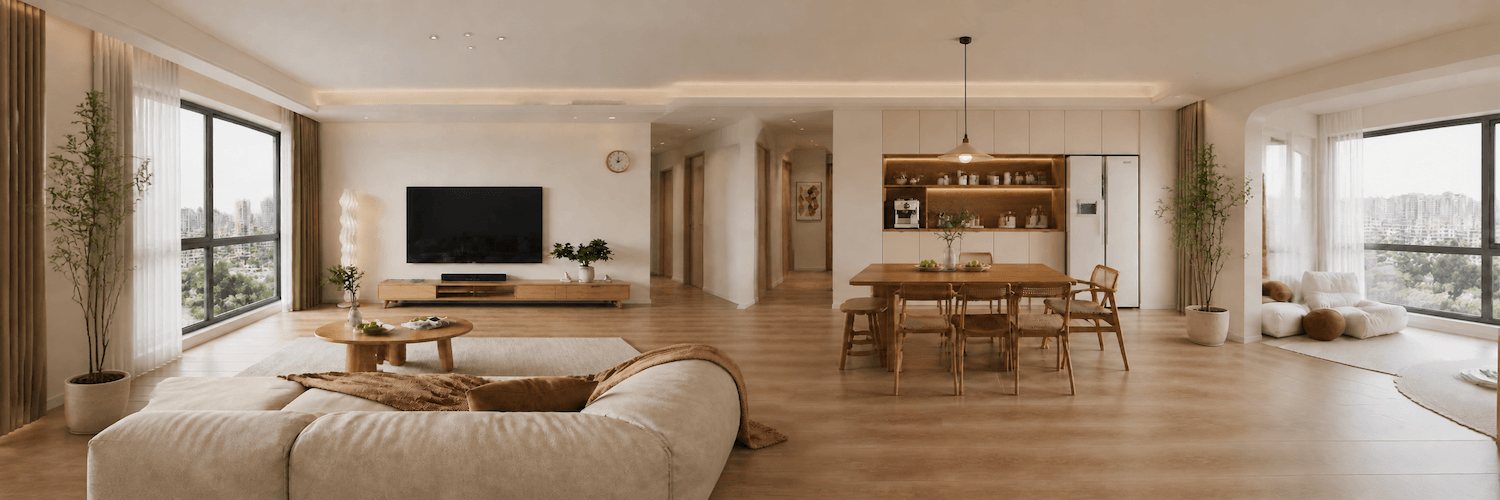
Stitched from three frames
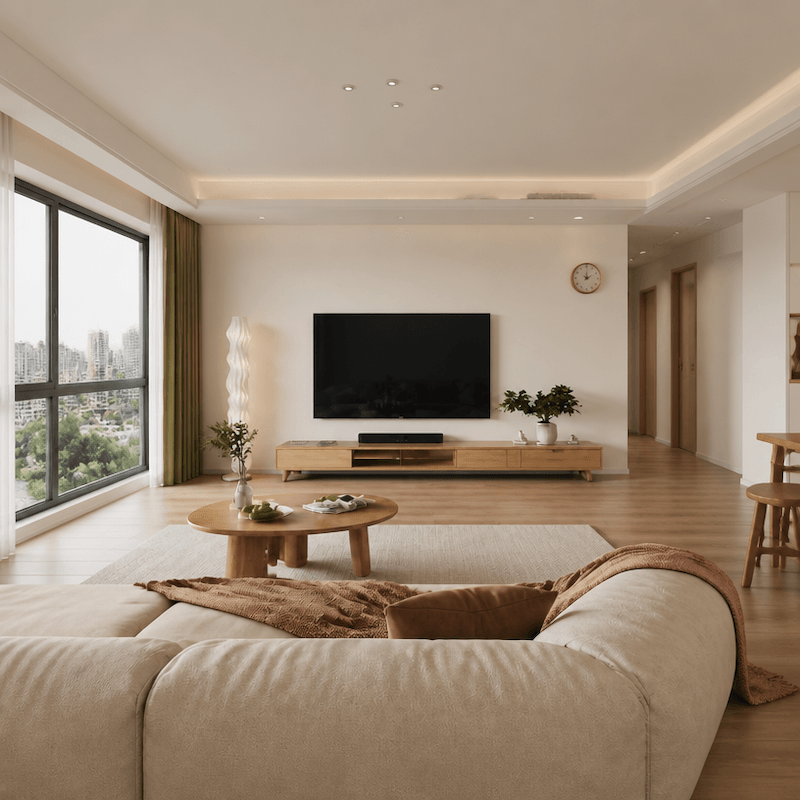
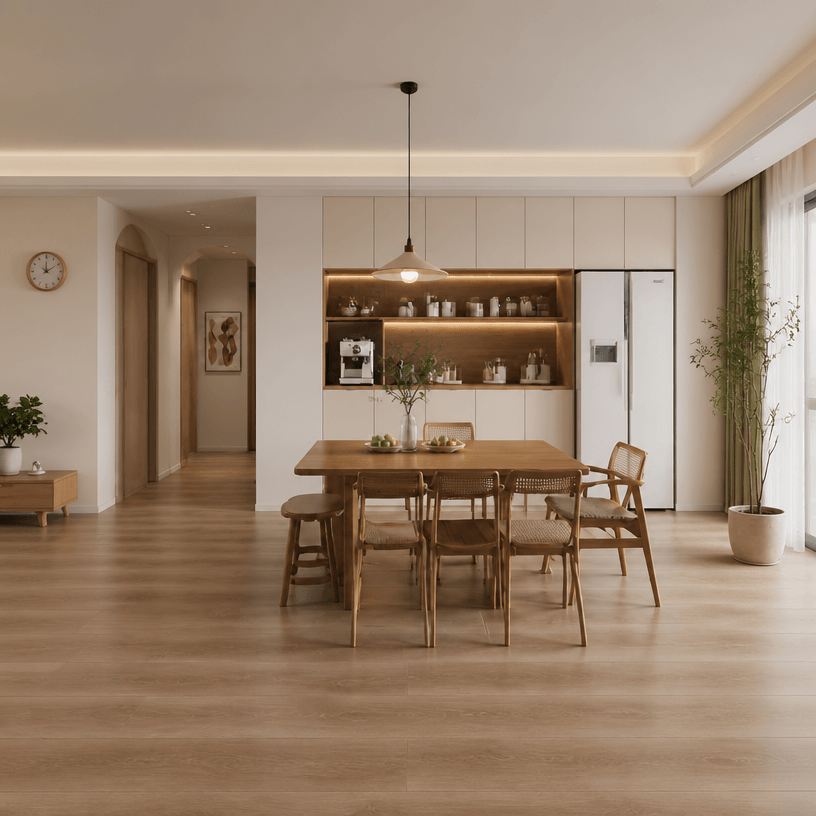
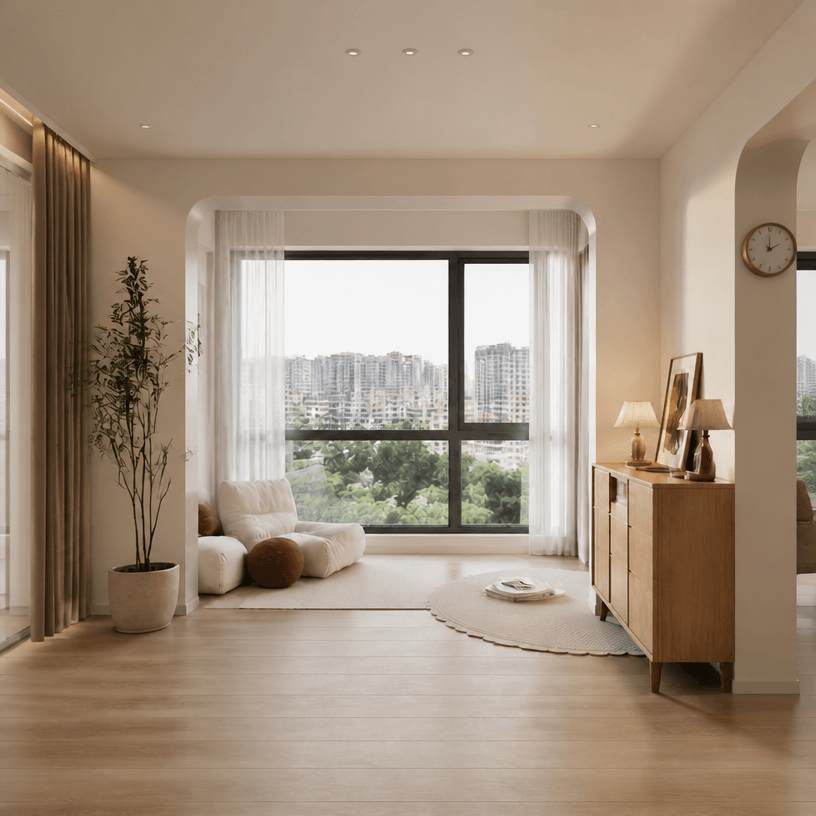
Panorama · stitched walk-through
The problem
The listing portal supports panoramas and the brokerage wants the room shown as a walk- through. The AI panorama generator stitches several photographed angles of the same room into a continuous panorama — same light, same staging, no seam where the angles meet.
The standard
- Stitch seams are not visible at portal-resolution viewing.
- Light direction is consistent across the panorama.
- Furniture placement is consistent with the staged frames.
The handoff
Output sized for the major portal panorama formats (equirectangular, cubemap).
Companion tools
Pairs with virtual staging — stage each angle to the same seed first, then stitch the panorama from the staged frames.
When Vesta runs it
Used at the end of a listing run when the portal supports panoramas — stitch the staged frames into a continuous walk-through.
Field notes
Read the studio note on panoramas that read as one room.
Field reading
Compare
Aerial drone vs ground exterior: when each viewpoint sells the listing
A drone shot shows the lot. A ground shot shows the entry. Both belong in a serious listing — but they answer different questions, and most marketing campaigns lead with the wrong one.
Compare
Photo enhancement vs reshoot: when post-processing is enough
A weak listing photo can be fixed with post-processing or by going back and shooting again. The choice depends on which kind of weakness — and most agents reach for the more expensive option when the cheaper one would have worked.
Compare
Object removal vs decluttering: surgical edit or full pass?
Both tools take things out of a listing photo. Object removal targets one item; decluttering sweeps the room. Choosing the wrong one either misses the problem or over-edits a perfectly good photo.
Compare
Phone vs professional photography for listings: what the camera actually changes
Modern phones produce strikingly good listing photos in good conditions. Professional cameras add headroom in bad conditions. A practical comparison for hosts, solo agents, and anyone deciding whether to hire a photographer this listing.
Where this lives
Part of the Exterior & curb appeal entry in the tool catalog. When several tools in this group apply to the same listing, hand the listing to Vestaand let her plan the run.
When the next listing reaches you,