
№ 01 — For Trulia listings
Virtual staging that fits
Trulia’s lifestyle-led pages.
Trulia traffic skews to buyers researching neighborhoods before they commit, mostly on a phone. Your photos sit next to school ratings, commute times, and local reviews — so the set has to read as one lifestyle, not eight rooms. Vestaro stages the whole set on a single style brief in about 15 seconds per photo. The same files surface on Zillow, since both pull the one MLS feed.
拖拽或点选 JPG / PNG。两张免费试用,无需注册无需绑卡。
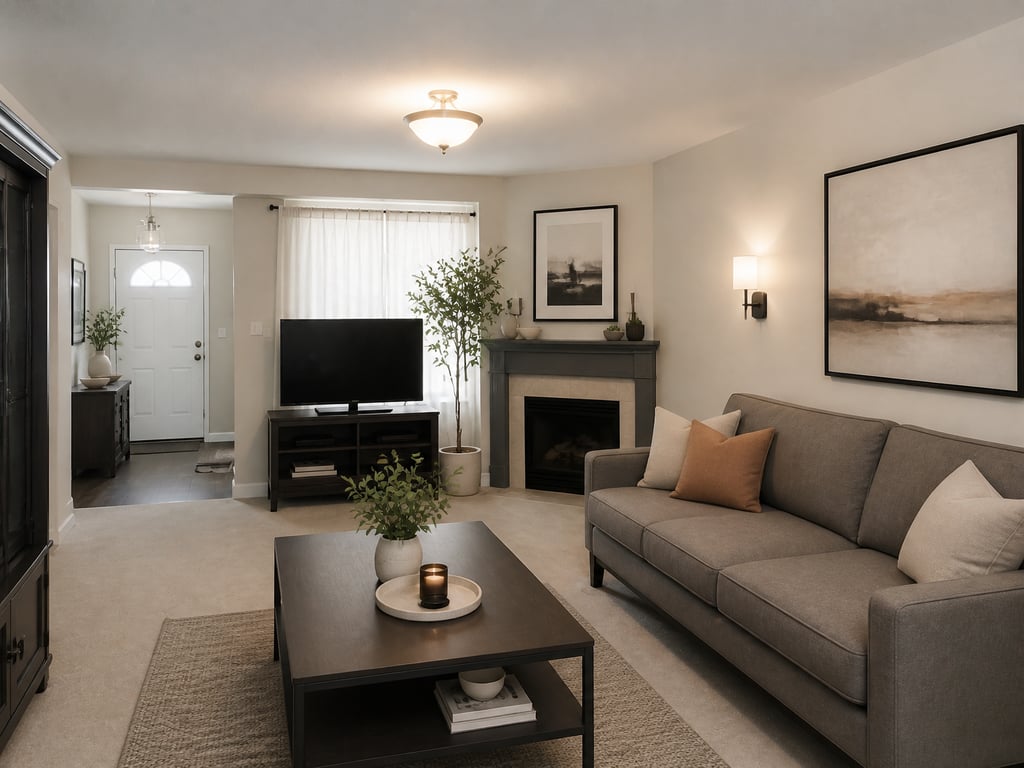 原图成图
原图成图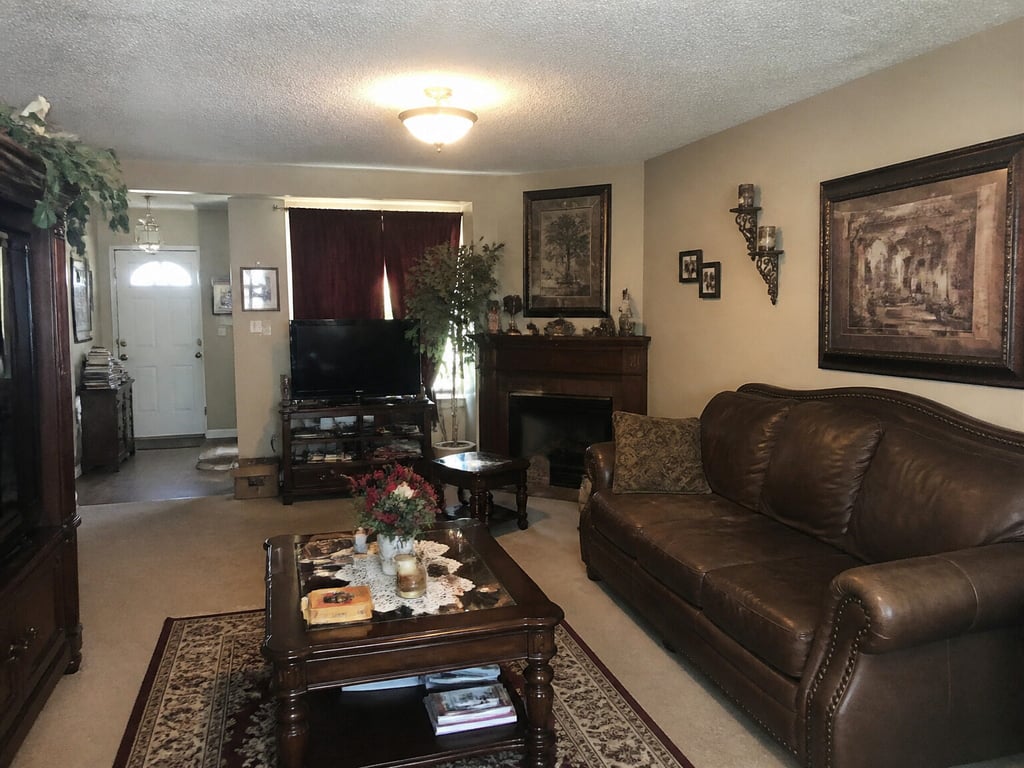
Used by agents publishing to Trulia in LA, NYC, Brooklyn, Austin, and Nashville
Independent service. Not affiliated with or endorsed by Zillow Group, Inc. Disclosure of virtual staging is the listing agent’s responsibility.
№ 08 — In the field
Working with listing teams across Los Angeles, Charlotte, Chicago, and a steady handful of independent brokerages.








Why Trulia listings need a coherent set
Trulia is lifestyle-led, neighborhood-first, and built for buyers still browsing.
Discovery-stage buyers save and revisit
Trulia attracts buyers earlier in the journey than transaction-stage sites — exploring neighborhoods, comparing commutes, weighing schools. Photos that tell a lifestyle story, not just catalog rooms, earn the save and the second visit instead of one quick scroll.
Save-and-revisit traffic, not one-shot click-through
Your photos render beside neighborhood content
Trulia’s defining feature is its neighborhood layer — schools, commutes, local insights, resident reviews. Your interior photos sit right next to that context, so a set that matches the lifestyle the neighborhood telegraphs reads as a coherent whole.
Listing photos sit next to neighborhood content
Tuned for the phone-first gallery
Trulia users skew to mobile harder than most listing sites, and the photo experience is the listing experience. A horizontal swipe through the set surfaces inconsistencies a desktop scroll would hide — one staged room, the next vacant, breaks the story.
Mobile-first staging on every render
Workflow
Stage to MLS spec — Trulia and Zillow both ingest.
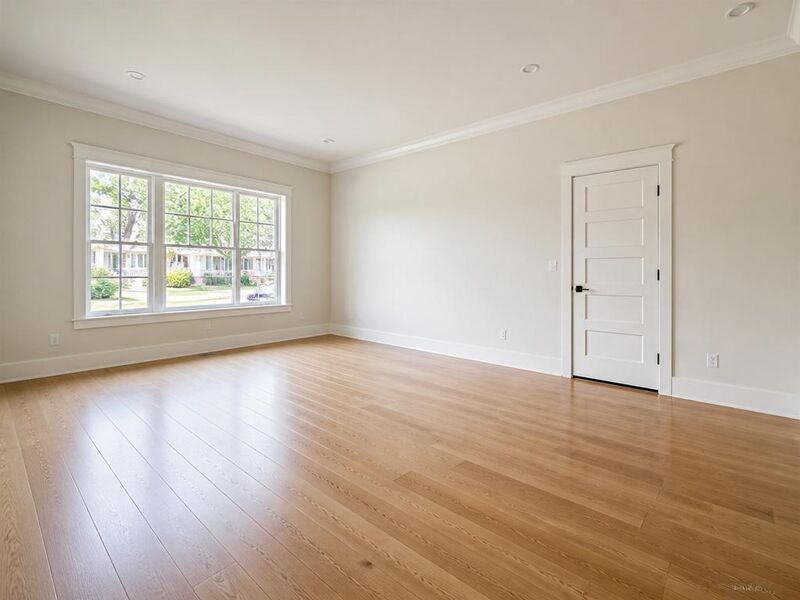

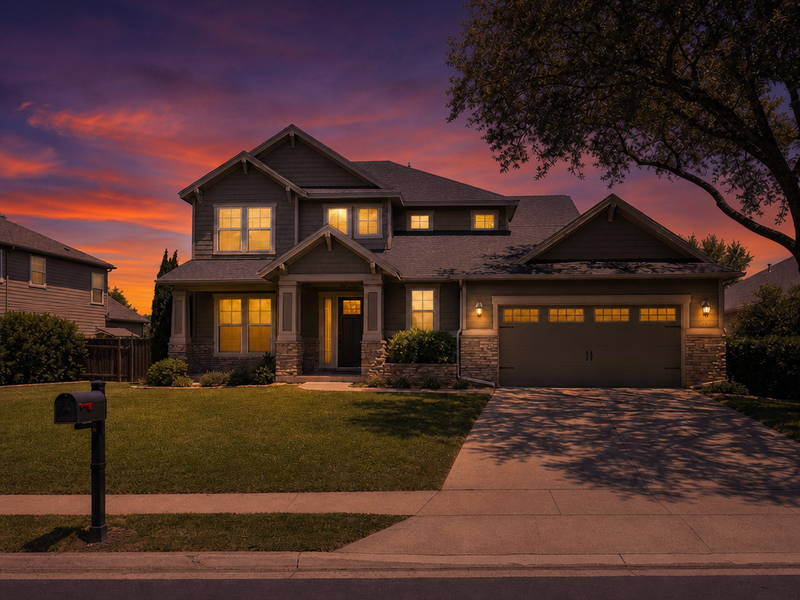
- 01
Upload your listing photos.
Photographer-delivered finals, drone shots, or restage-over-tenant frames — Vestaro accepts standard image files from any source.
- 02
Stage the full set with one lifestyle register.
Pick the room and style, then keep it across the set. Multi-angle consistency is the default, so the swipe reads as one home matched to the lifestyle Trulia’s neighborhood layer is telegraphing.
- 03
Upload to your MLS — Trulia and Zillow pick it up.
Download full-resolution JPGs and feed them through your MLS. Both surfaces refresh within hours. Add the MLS-required “Virtually Staged” caption per your local rules.
Image specs
Trulia’s image requirements — and how Vestaro matches them.
Trulia inherits image specs from the host MLS, then re-renders for its mobile-heavy, lifestyle-led layout. These are the numbers that actually matter when you publish.
Minimum dimensions
The platform
640 × 480 px enforced through the MLS feeds Trulia ingests
What Vestaro outputs
Output preserves the input resolution — a photographer file at 3000px+ wide stays that size after staging.
Recommended dimensions
The platform
~1,920 px on the long edge or higher for sharp full-screen viewing in the Trulia app
What Vestaro outputs
Common photographer deliveries (3000–6000px wide) pass through unchanged, so photos stay crisp on retina phones at every zoom level.
Aspect ratio
The platform
Gallery is mixed 4:3 / 3:2; feed thumbnail is a center square; the neighborhood-context card is roughly 16:9
What Vestaro outputs
Furniture and styling are placed centrally to survive all three crops — nothing critical lost in the cropped margins.
File format
The platform
JPEG via MLS feed; PNG re-encoded; HEIC unsupported by some MLSes
What Vestaro outputs
JPEG or PNG export at high quality — well within every MLS-feed format rule.
Photos per listing
The platform
Trulia typically displays the same count Zillow does — up to 36
What Vestaro outputs
Per-render pricing scales to the full set — staging 36 photos runs about $42 on the Pass tier at roughly $0.71 each.
Photo order
The platform
MLS-feed order; the first photo is the hero across feed, neighborhood card, and email digests
What Vestaro outputs
Stage the hero first, then kitchen, primary bedroom, and living space — Vestaro keeps one style brief across the set; set the order in your MLS upload step.
Values reflect Trulia and the shared Zillow Group ingestion pipeline as of mid-2026. Trulia and Zillow surface the same MLS feed — always verify the current rules in your MLS before publishing.
Display slots
The Trulia surfaces you’re actually optimizing for.
Trulia leans on lifestyle-led surfaces unique to its product — Vestaro output isn’t just a JPEG, it has to fit each one.
Neighborhood-context feed
Listings appear in a feed alongside neighborhood photography, school ratings, and local reviews. Buyers compare your interior against the neighborhood vibe Trulia is telegraphing.
Vestaro fit. Match the staging register to the neighborhood — coastal in beach markets, warm-traditional in family markets, contemporary in city markets — so the set reads as one coherent lifestyle.
Map-view pin preview
Hover a Trulia map pin and the hero photo previews in a small popover. The same single-photo rules apply as elsewhere, but the buyer here is in a more exploratory mode.
Vestaro fit. Bright, contrasty staging reads clearly even at thumbnail size — no muddy details, no over-busy compositions to lose at a glance.
Detail-page mobile gallery
A mobile-first horizontal swipe through the full photo set. Trulia users skew to mobile harder than other platforms, so the photo experience is the listing experience.
Vestaro fit. Consistent style, color temperature, and furniture register across every photo — no jarring shifts as buyers swipe through on a phone.
Saved-homes email digest
Buyers who saved your listing get periodic Trulia digests led by the hero photo. As days-on-market builds, that photo has to keep earning the re-click.
Vestaro fit. Re-stage the hero with a fresh register or a day-to-dusk variant to refresh a long-running listing — re-feed through your MLS and the digest photo follows.
Use cases
The listings that benefit most from Trulia-tuned staging.
Six property profiles where lifestyle-led staging lifts save-and-revisit engagement.
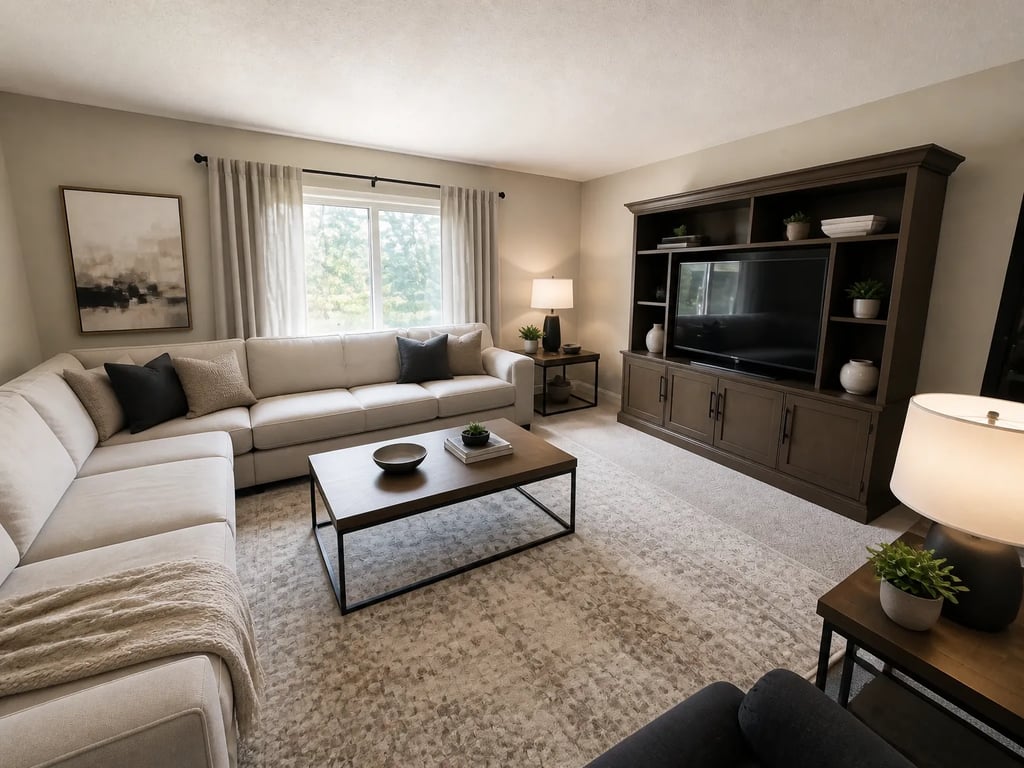 原图成图
原图成图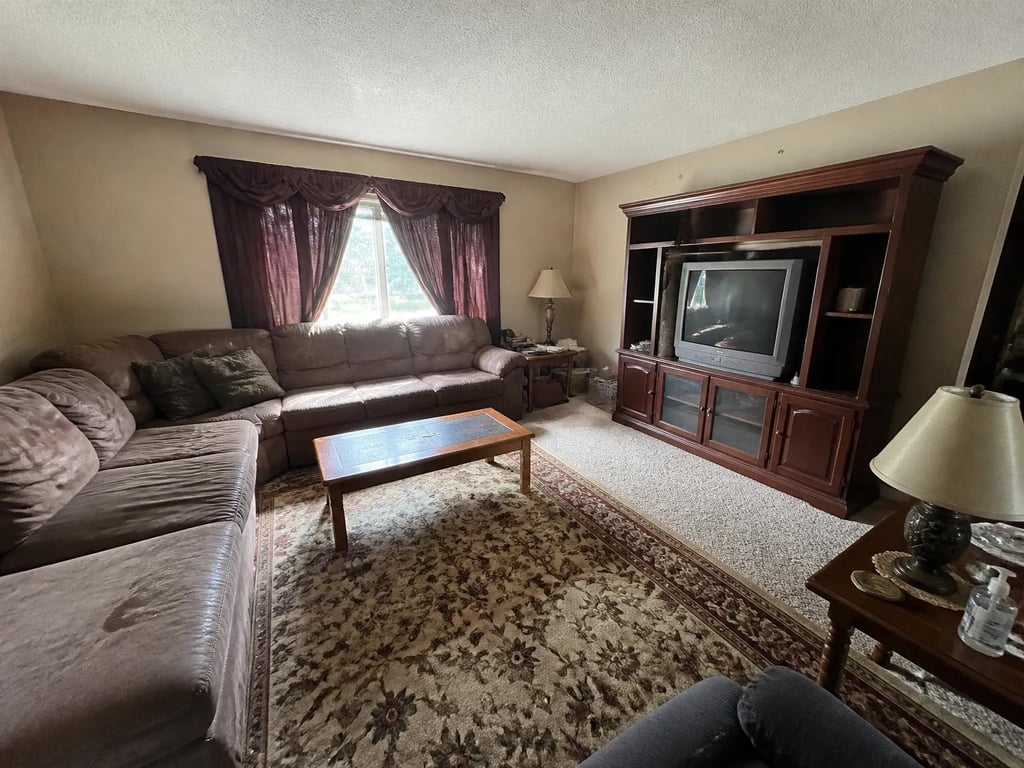
Vacant suburban single-family
Empty rooms read flat in a lifestyle feed — stage the hero, living, and primary bedroom.
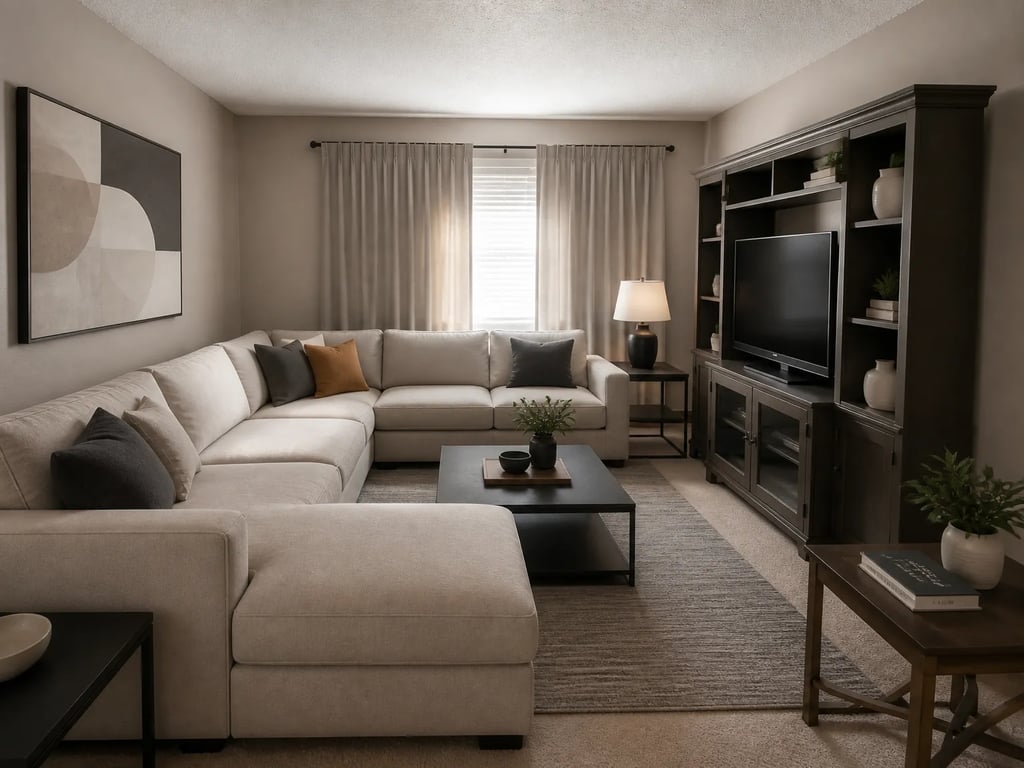 原图成图
原图成图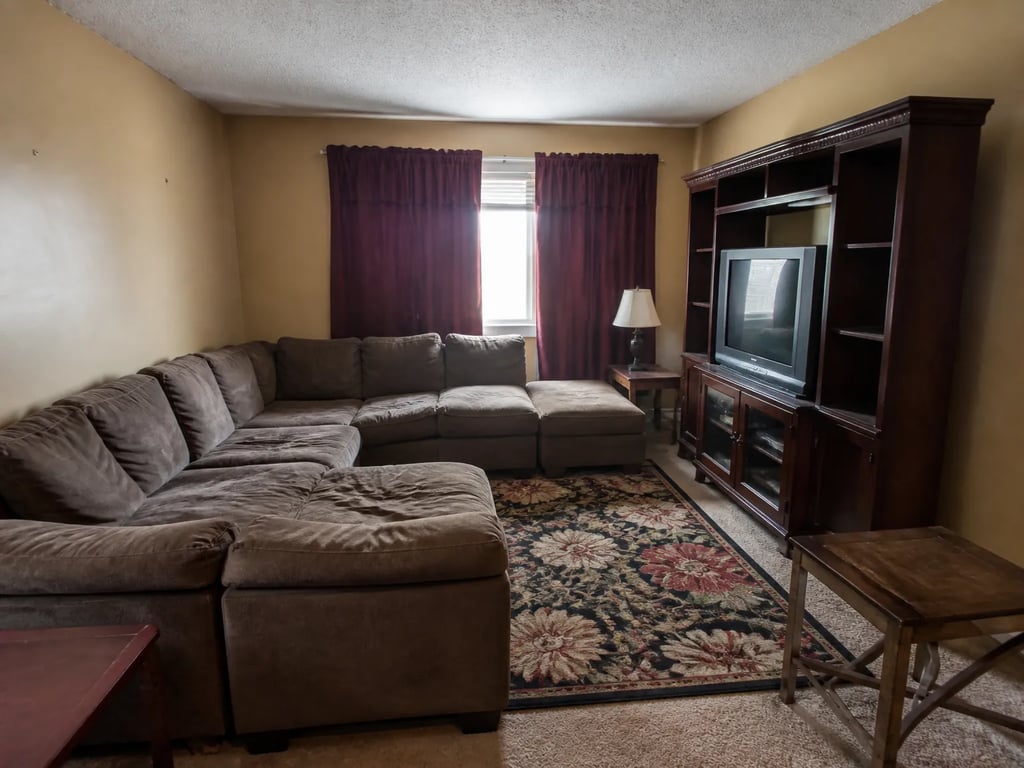
NYC / Brooklyn urban condo
Contemporary, design-forward staging that matches the neighborhood layer in Williamsburg or Cobble Hill.
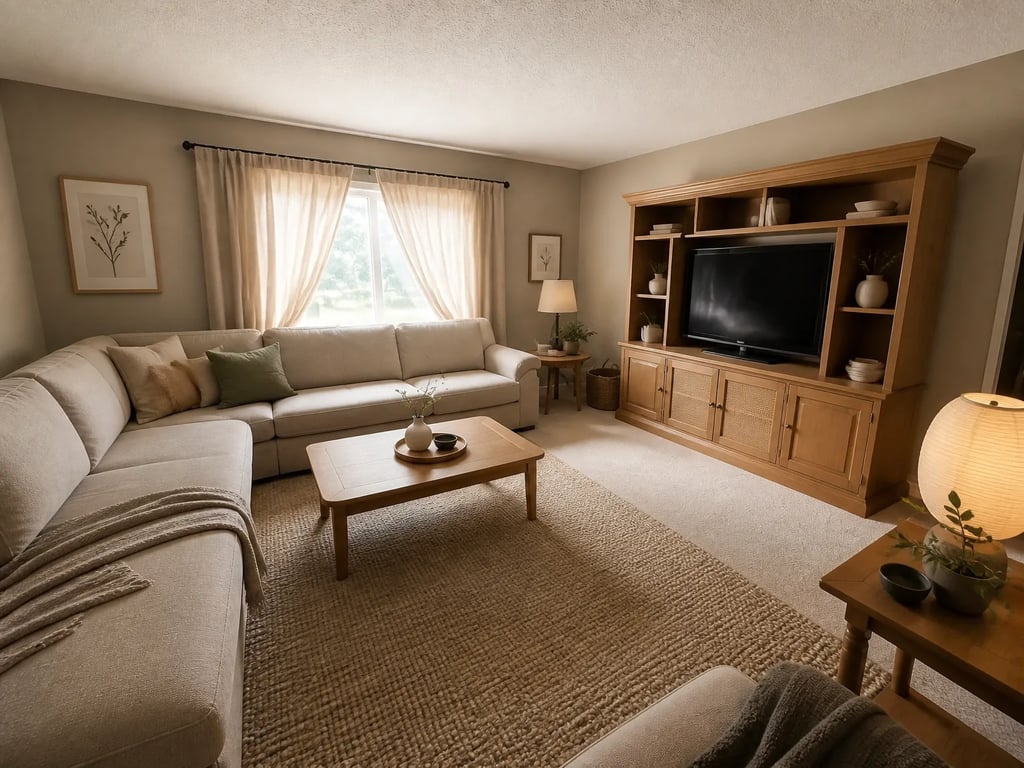 原图成图
原图成图Beach-adjacent coastal townhouse
Bright, coastal staging that matches the lifestyle Trulia surfaces in beach markets.
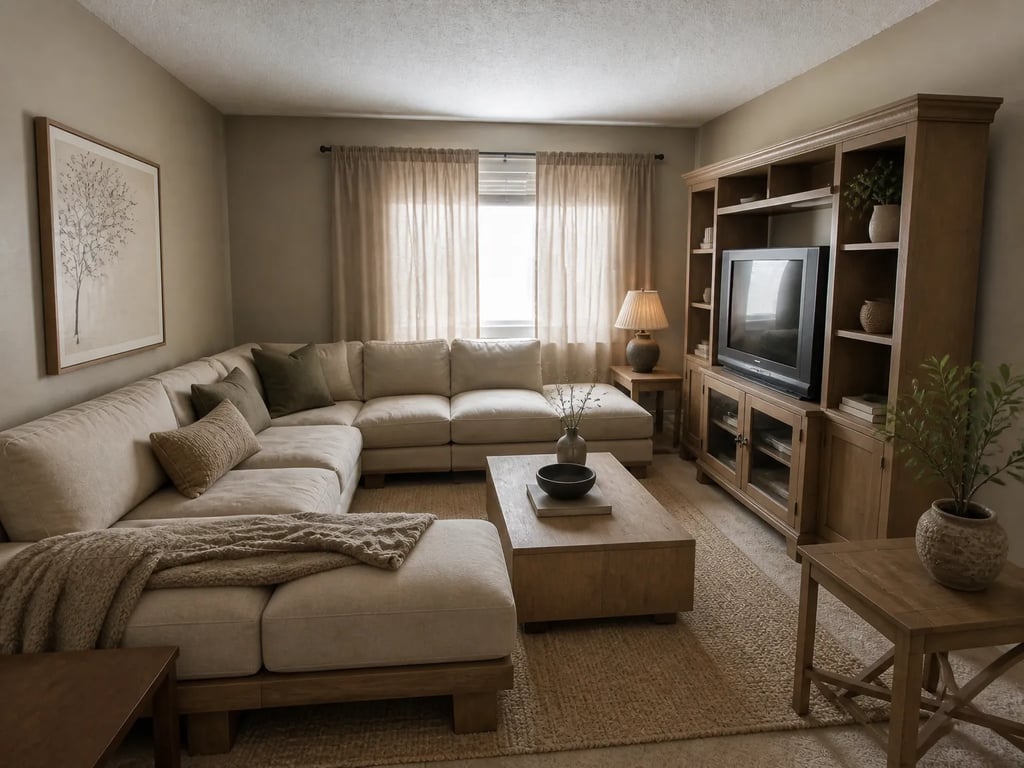 原图成图
原图成图Family-neighborhood single-family
Warm, family-friendly staging for top-school-rated areas — Trulia’s school overlay is a buyer filter.
原图成图Dated decor refresh
Replace heavy furniture with a contemporary register — same camera angle, lifestyle-coherent set.
原图成图Multi-angle living-room set
A mobile swipe reveals inconsistency — multi-angle staging keeps every angle on one register.
Trulia publishers on Vestaro
How agents publishing to Trulia actually use it.
My Trulia buyers are still in neighborhood-research mode, so I stage the whole set to read as one lifestyle, not a room list. The set sits right next to the school ratings and commute times — when it matches, people save it and come back.
Priya N.Listing Agent, Austin, TXAlmost everyone opens my listings on a phone, and the swipe shows every gap. I used to leave half my rooms vacant. Now I stage the full set so nothing breaks the story mid-swipe, and the same files run on Zillow too.
Greg H.Listing Agent, Brooklyn, NYFifteen-second renders mean I can match the staging register to the neighborhood — coastal here, warm-traditional there — without a vendor turnaround. I re-feed the MLS and both Trulia and Zillow refresh by evening.
Dana L.Listing Agent, Nashville, TNMy Trulia buyers are still in neighborhood-research mode, so I stage the whole set to read as one lifestyle, not a room list. The set sits right next to the school ratings and commute times — when it matches, people save it and come back.
Priya N.Listing Agent, Austin, TXAlmost everyone opens my listings on a phone, and the swipe shows every gap. I used to leave half my rooms vacant. Now I stage the full set so nothing breaks the story mid-swipe, and the same files run on Zillow too.
Greg H.Listing Agent, Brooklyn, NYFifteen-second renders mean I can match the staging register to the neighborhood — coastal here, warm-traditional there — without a vendor turnaround. I re-feed the MLS and both Trulia and Zillow refresh by evening.
Dana L.Listing Agent, Nashville, TN
Pricing for Trulia publishers
Per-render pricing that fits Trulia’s 36-photo set.
Most agents publishing to Trulia — and Zillow at the same time, since it’s one feed — land on Pass at about $0.71 per render, enough for 25–35 photos across several listings a month. High-volume publishers go Member.
Drop-in
Each image reviewed before delivery.
180 renders / year · billed annually
For solo agents working a few listings at a time.
Pass
Most popularEach image reviewed before delivery.
600 renders / year · billed annually
For active agents with steady listings.
Member
Each image reviewed before delivery.
1,800 renders / year · billed annually
For studios and teams with high listing volume.
What Trulia publishers ask before signing up
Common questions
Yes. Trulia displays what the host MLS feeds it, and each MLS sets the disclosure rule — typically a “Virtually Staged” label in the photo caption or remarks. Vestaro output is policy-neutral; the disclosure is your responsibility under your local MLS rules.
Trulia and Zillow are both Zillow Group properties and share the same MLS ingestion pipeline. If your MLS feed includes a listing, both surface it within hours. For most MLS-listed homes there’s no separate “Trulia upload” — it’s one feed, two pages.
Trulia leans harder into neighborhood and lifestyle layers — schools, commutes, local reviews. Your photos run through the same Zillow Group infrastructure but inside a UI built for discovery-stage research rather than transaction-stage decisions.
Not the photos themselves — they’re literally the same files. But Trulia rewards a lifestyle-coherent set more visibly, because the neighborhood context surrounds it. Stage for the lifestyle the neighborhood layer is selling, and the set works on both surfaces.
Trulia displays the same count Zillow does — up to 36 photos via the MLS feed. Vestaro per-render pricing keeps the full set economical, at about $0.71 per render on the Pass tier.
Trulia doesn’t expose per-listing analytics to agents the way some Zillow agent products do. The cleanest proxy is your MLS days-on-market alongside your Zillow-side saves and click-through — both tend to lift when Trulia traffic engages with a coherent set.
Run a listing portal or MLS? Embed the studio in your upload flow with per-platform export presets and an API.
For portals & MLS →More platforms
Stage for the other listing platforms too.
Same product underneath — different photo rules, display slots, and buyer feed.
View all platforms →Get started
Your next listing deserves better photos.
Start staging in seconds. No credit card, no design skills.
Drag & drop your listing photo here
JPG, PNG, WebP, AVIF, HEIC
Trademark notice. Vestaro is an independent service. Trulia and Zillow are trademarks of Zillow Group, Inc. Vestaro is not affiliated with, endorsed by, or sponsored by Zillow Group, Inc. All trademarks belong to their respective owners.