
№ 24 — HDR balance · Cleanup & quality
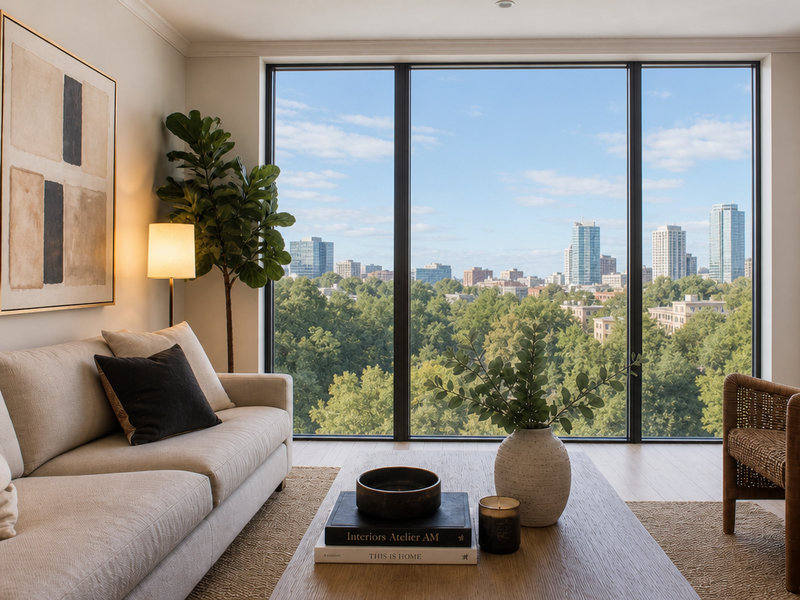
HDR balance — both sides of the glass, properly exposed.
Recover blown-out windows and lift crushed interior shadows in a single photograph — without the cartoon HDR look.
 BeforeAfter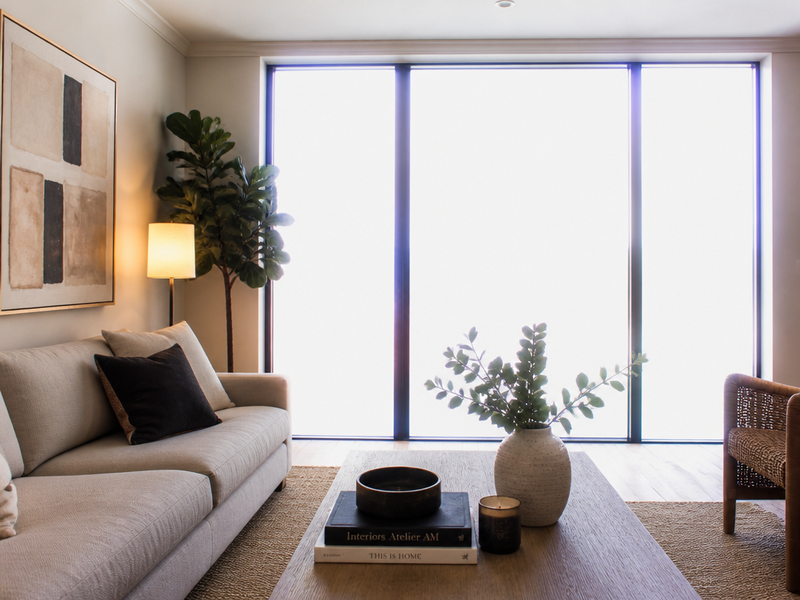
HDR balance · interior + window recovered
More before / afters
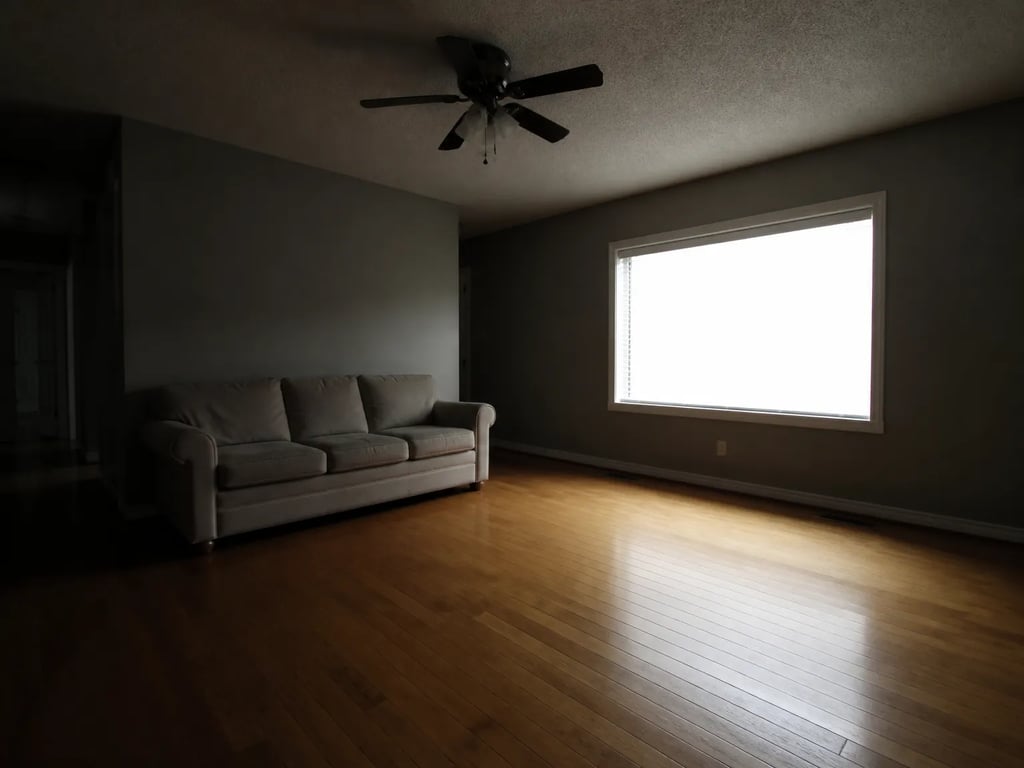
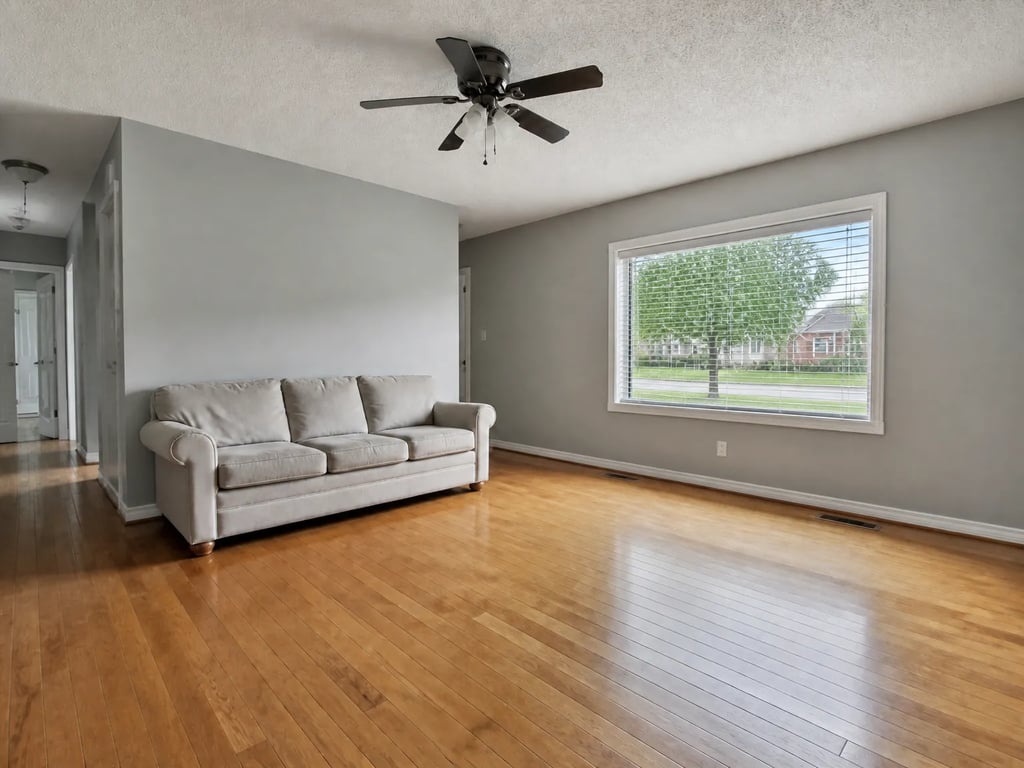
High recover
High recover
Recover blown-out windows and lift crushed interior shadows in a single photograph — without the cartoon HDR look.
Drag to compare · 01 / 04
The problem
The room exposed correctly, so the windows blew out to paper white. Or the windows exposed correctly, so the room dropped into shadow. HDR balance rebuilds the photograph as if the camera had a wider dynamic range — recovering window detail and lifting the interior shadows at the same time, in one frame.
Unlike a tone-mapped HDR composite, this reads as a single well-exposed photograph. No painted halos around window frames, no posterised midtones, no cartoon look.
The standard
- Each window is recovered independently — different windows can show different exteriors, never a single uniform sky.
- Interior shadows lift to a listing-grade level without flattening corners or under-furniture shadows.
- Existing white balance is preserved by default — no warm-tone "real estate" filter applied unintentionally.
- Specular highlights on glossy surfaces stay where the camera saw them; their shape and location are not redrawn.
- No haloing around window frames, no posterisation, no surreal local contrast — the photograph still reads as a photograph.
The handoff
Hi-res JPG paired with the original. The manifest notes the strength setting and which operations were applied (window recovery, shadow lift, white-balance preservation).
Companion tools
HDR balance is the exposure counterpart to photo enhancement and image straightening — run the three together for a full baseline pass.
When Vesta runs it
Used inside the New Listing Kickoff run as a baseline exposure pass — applied to every interior frame with a visible window before any styled tool touches the photograph.
Field notes
Read the studio note on dynamic range that reads as a photograph — not a tonemap, not a composite, just a frame that exposed for both sides of the glass.
Field reading
Compare
Aerial drone vs ground exterior: when each viewpoint sells the listing
A drone shot shows the lot. A ground shot shows the entry. Both belong in a serious listing — but they answer different questions, and most marketing campaigns lead with the wrong one.
Compare
Photo enhancement vs reshoot: when post-processing is enough
A weak listing photo can be fixed with post-processing or by going back and shooting again. The choice depends on which kind of weakness — and most agents reach for the more expensive option when the cheaper one would have worked.
Compare
Object removal vs decluttering: surgical edit or full pass?
Both tools take things out of a listing photo. Object removal targets one item; decluttering sweeps the room. Choosing the wrong one either misses the problem or over-edits a perfectly good photo.
Compare
Phone vs professional photography for listings: what the camera actually changes
Modern phones produce strikingly good listing photos in good conditions. Professional cameras add headroom in bad conditions. A practical comparison for hosts, solo agents, and anyone deciding whether to hire a photographer this listing.
Where this lives
Part of the Cleanup & quality entry in the tool catalog. When several tools in this group apply to the same listing, hand the listing to Vestaand let her plan the run.
When the next listing reaches you,