
№ 01 — Tools
Every room has a way it goes wrong.
Pick the tool by the symptom, not the noun.
The catalog is grouped by what is off with the listing — empty rooms, wrong light, tired finishes, soft lawns. Each entry is a single tool used inside the studio. When several show up in the same listing, hand the listing to Vesta.
01
Staging & furniture
Furnish an empty room, or restyle a furnished one — same walls, new life.
See the entry →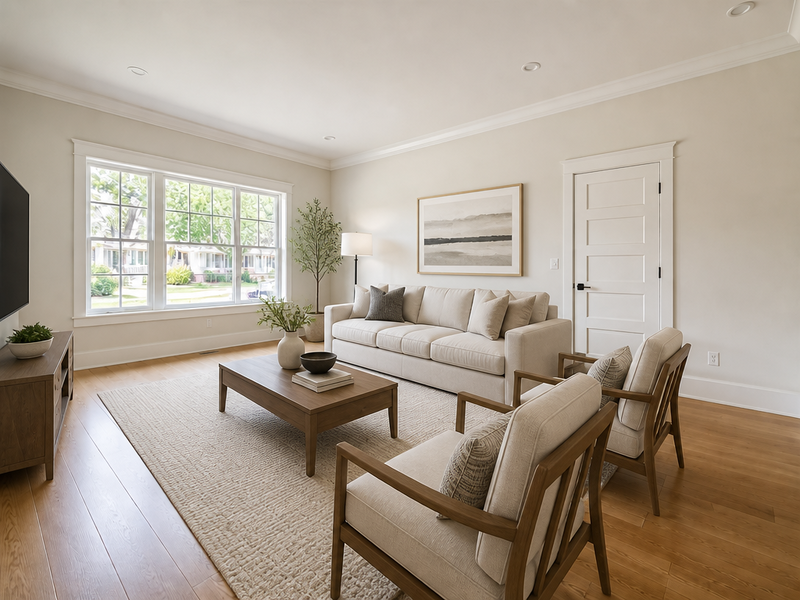 BeforeAfter
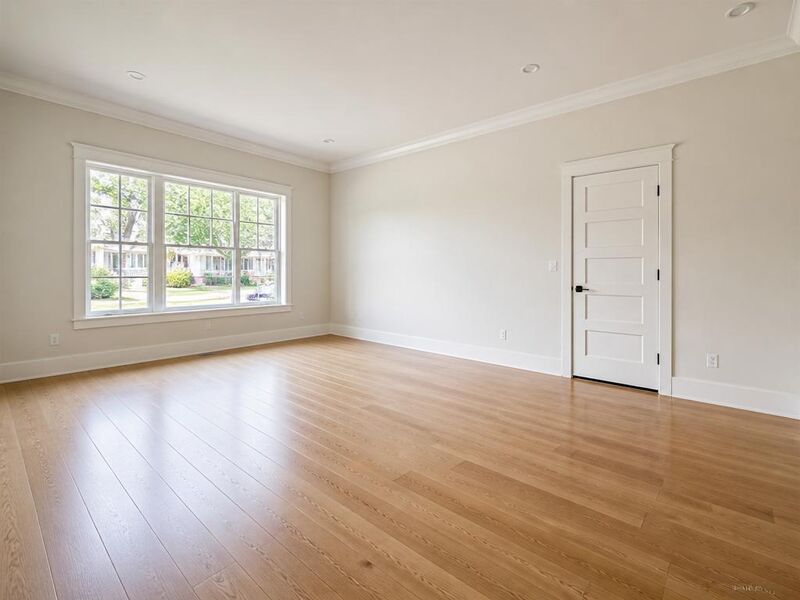
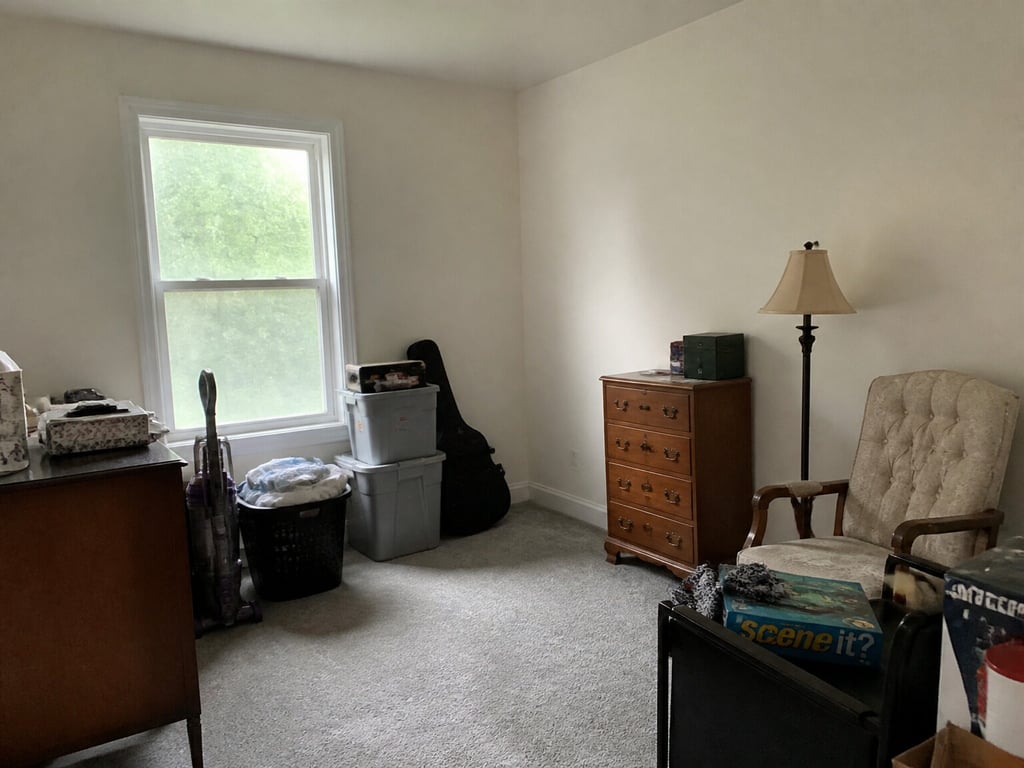
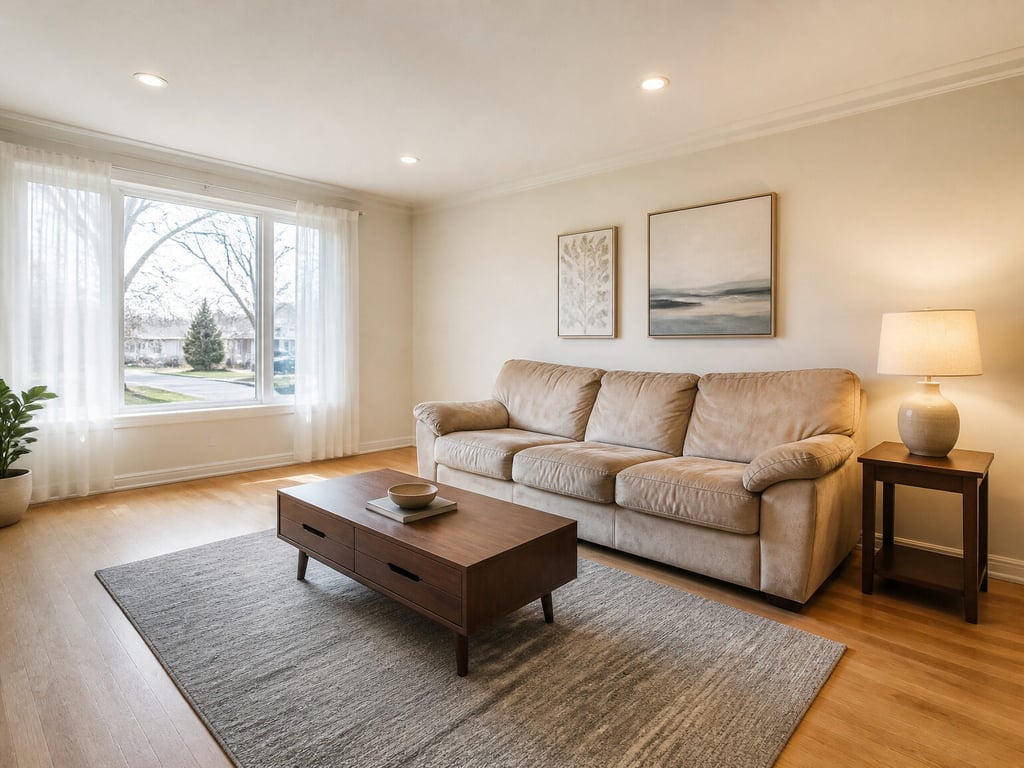
Virtual staging
№01Furnish an empty interior, room by room.
 BeforeAfter
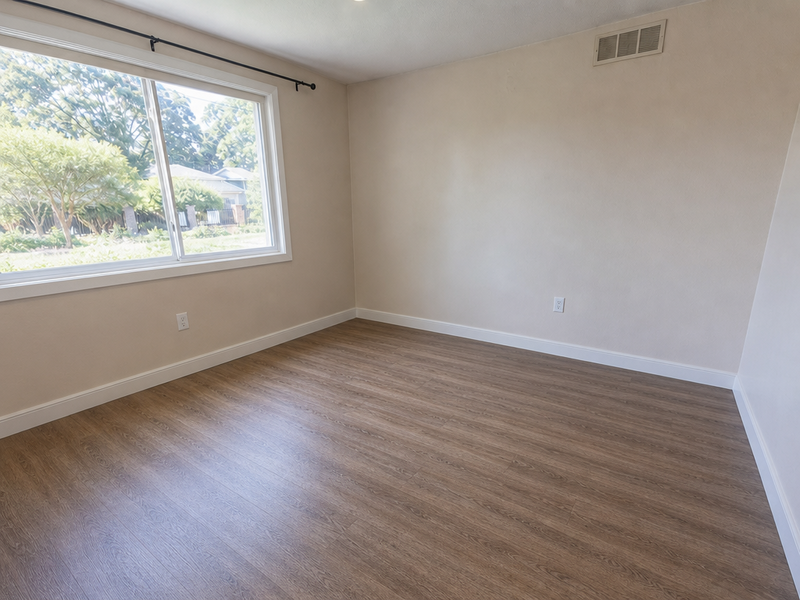
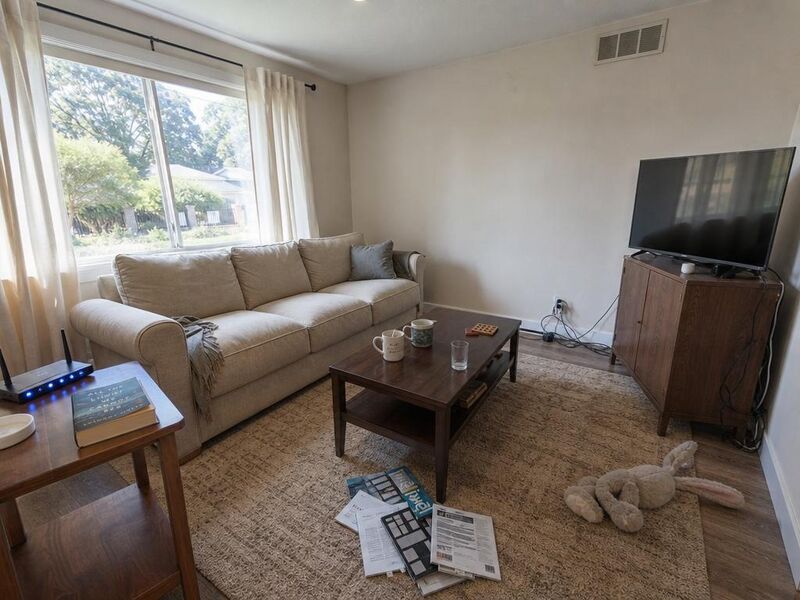
Decluttering
№02Remove clutter without scrubbing the room.
 BeforeAfter
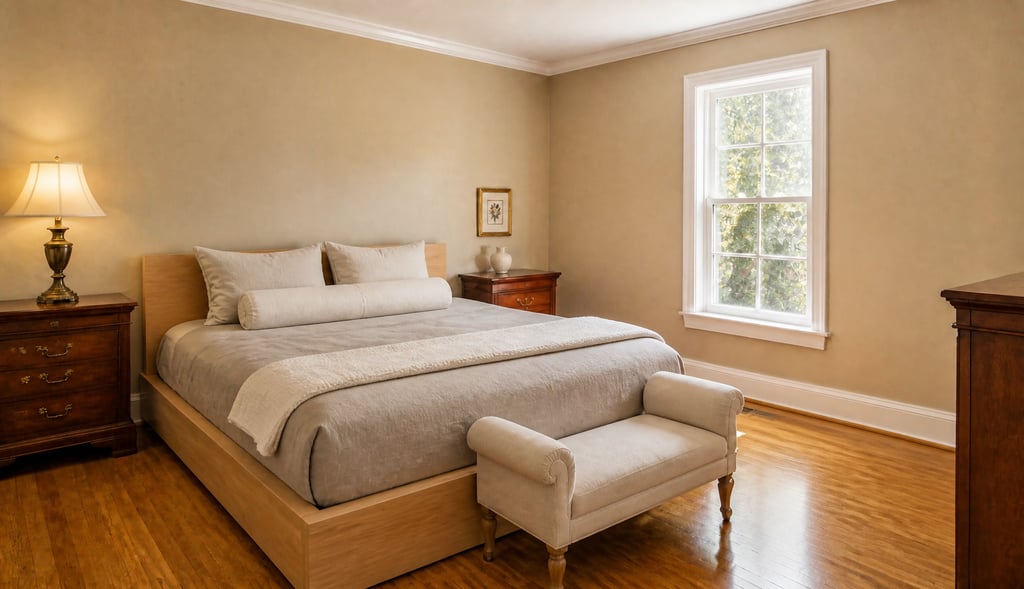
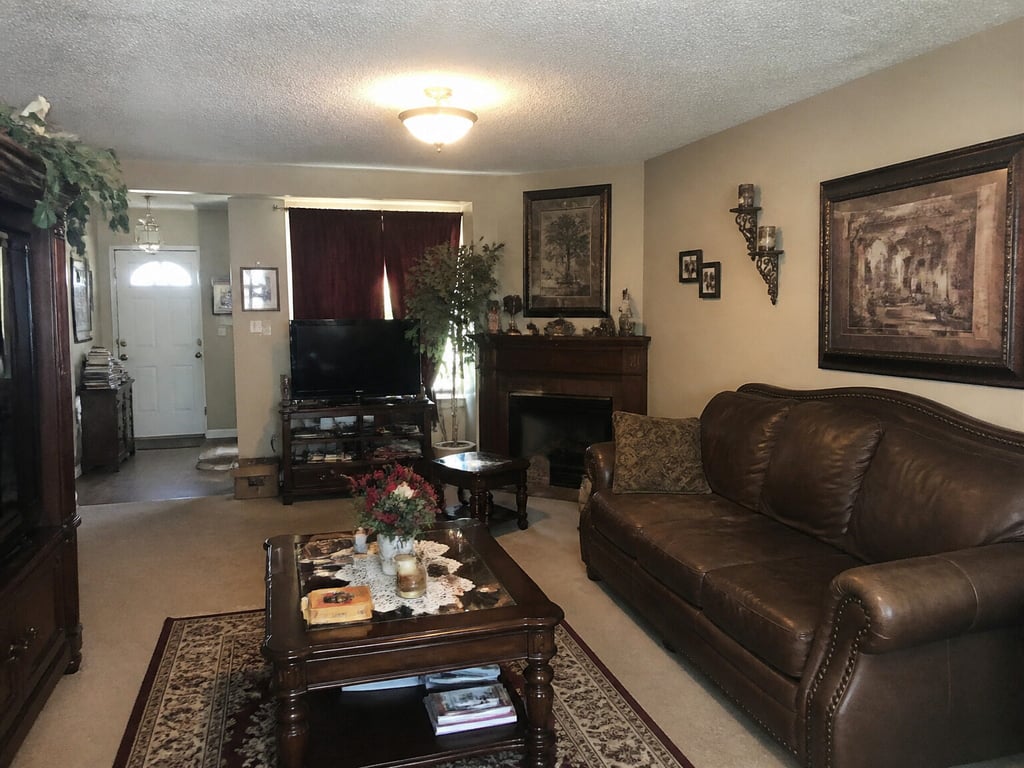
Restage
№05Refresh the staging without re-shooting.
 BeforeAfter
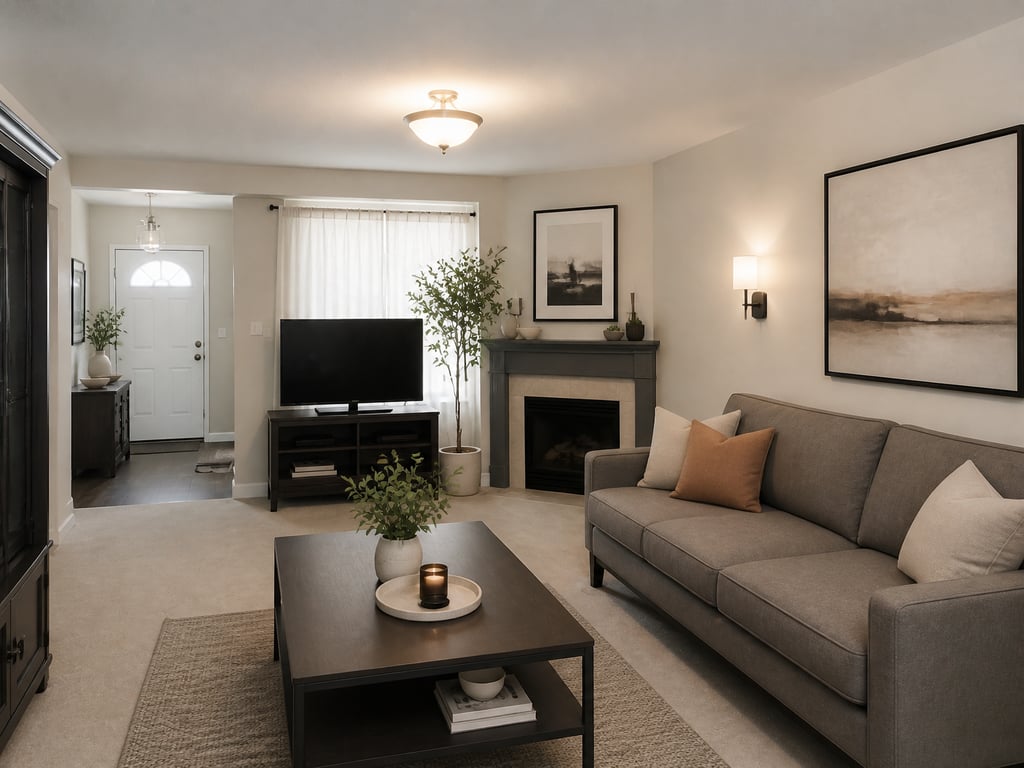
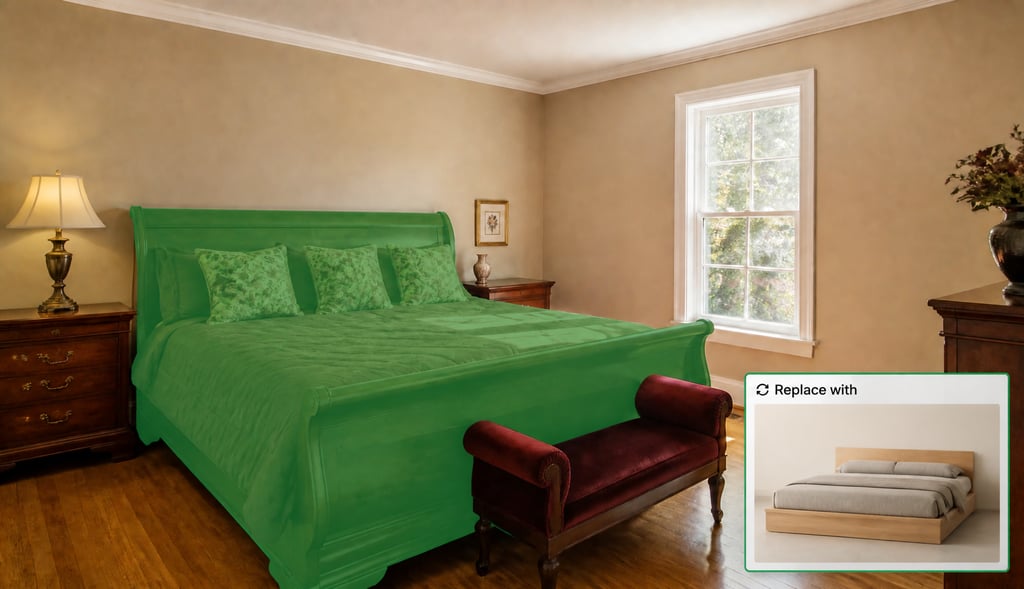
Redesign furnished room
№30Restyle a furnished room into a new look — same layout, new mood.
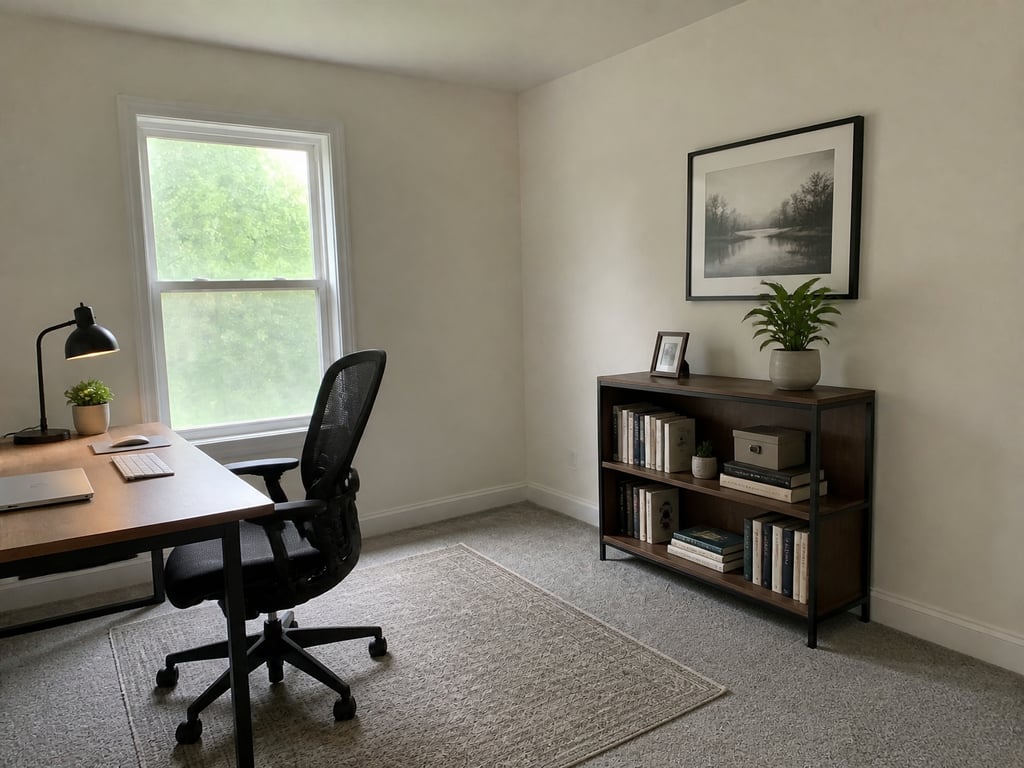 BeforeAfter
Room repurpose
№15Show a spare room as an office, gym, or guest room.
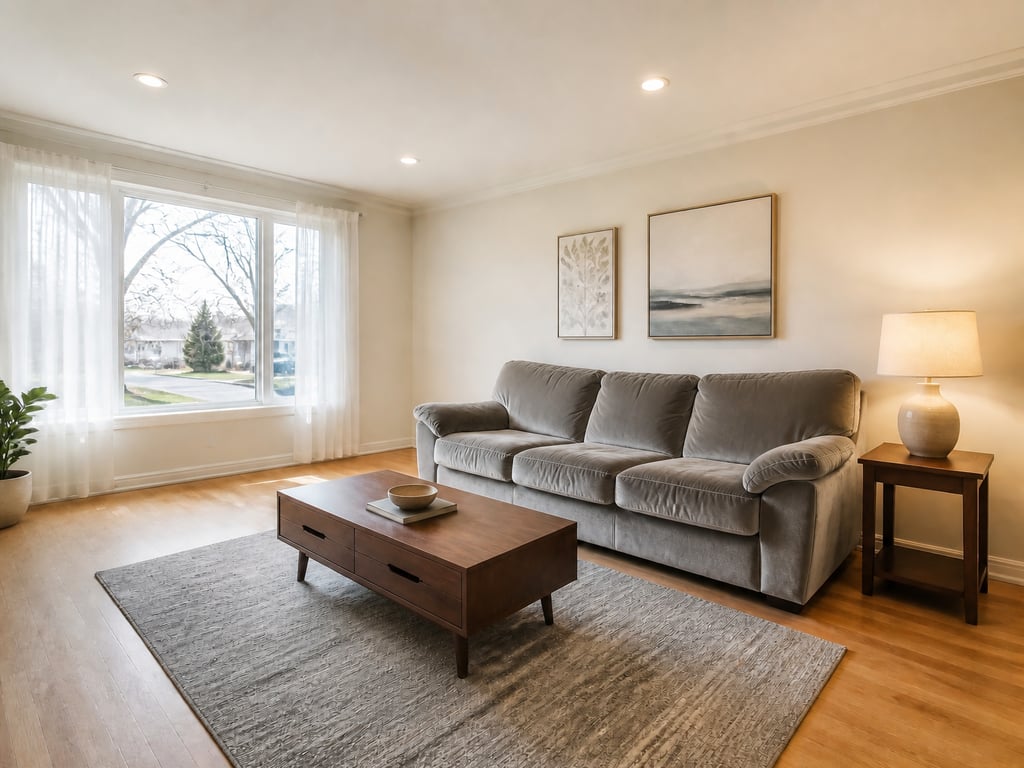 BeforeAfter
Furniture facelift
№29Reupholster or refinish the furniture you have — same shape and spot.
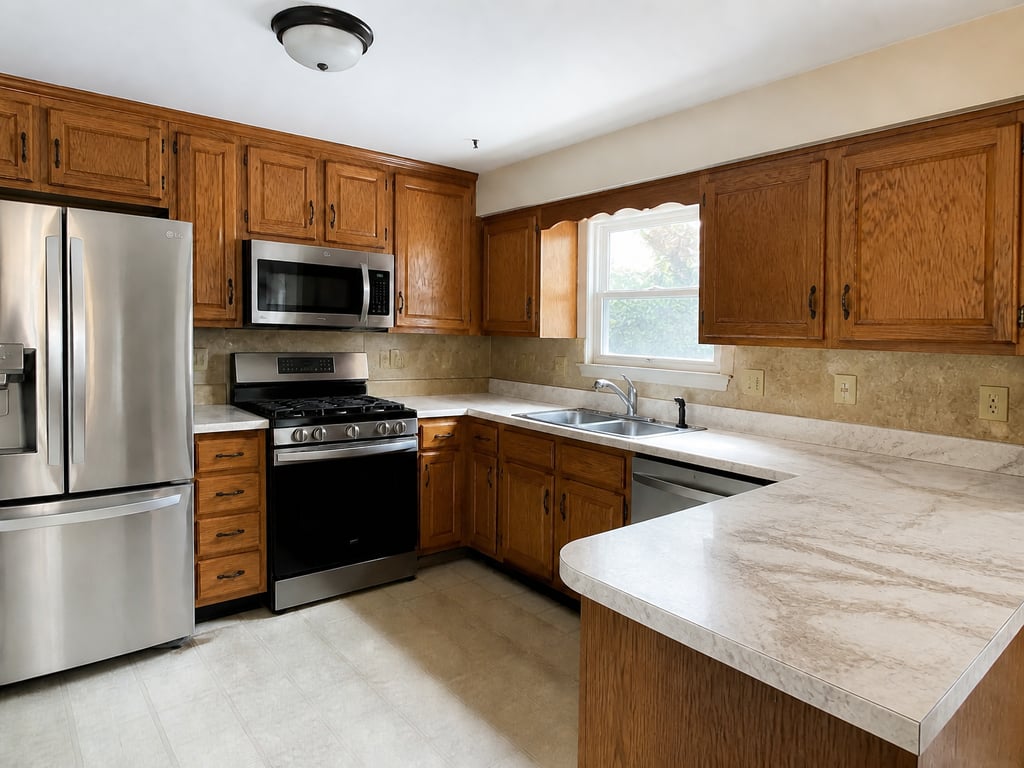 BeforeAfter
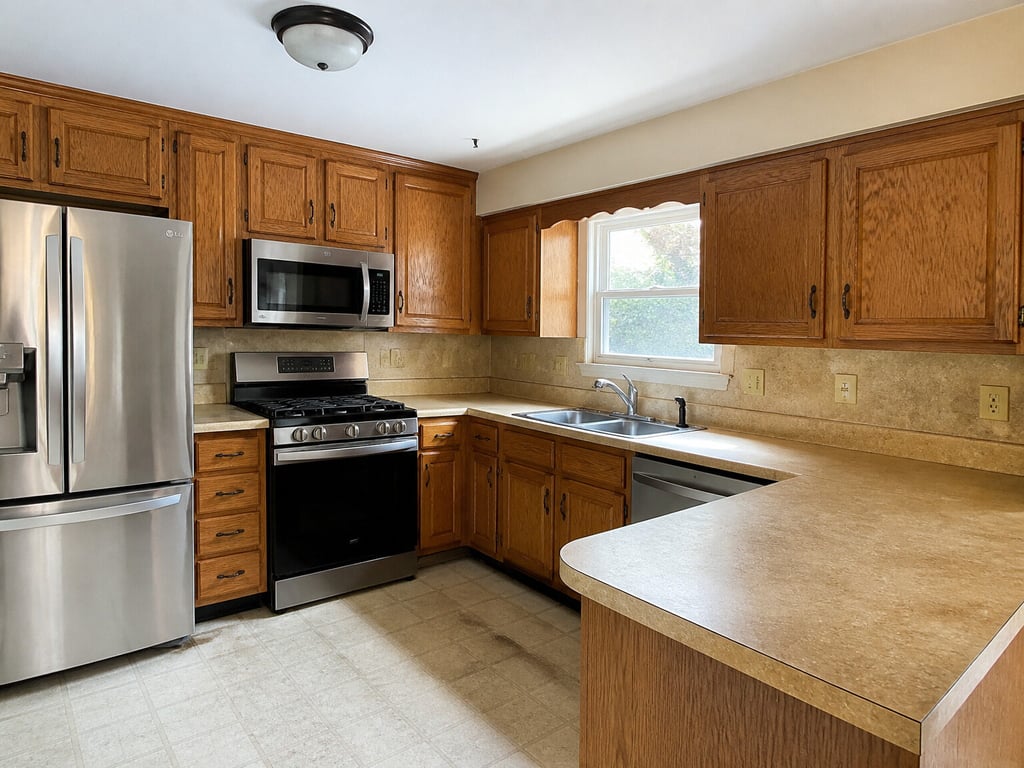
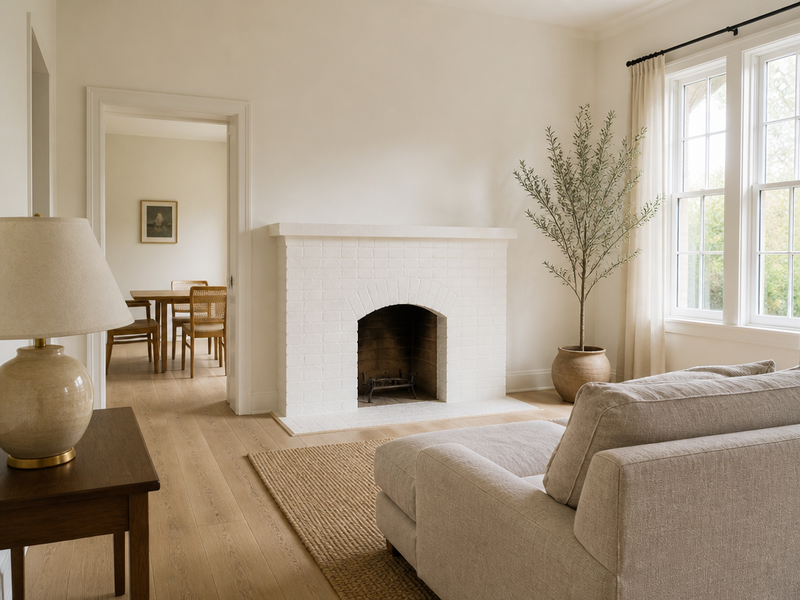
Restyle surfaces
№28New countertop, backsplash, or cabinet finish — same layout and light.
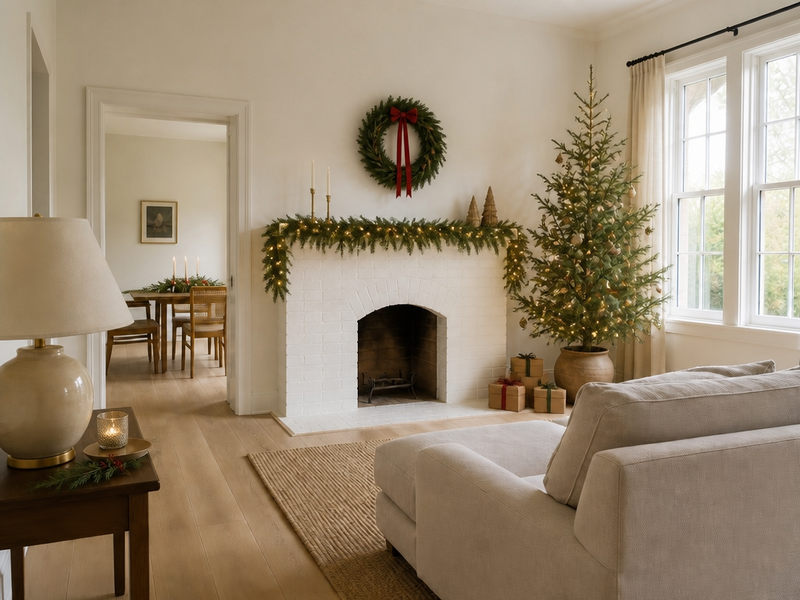 BeforeAfter
Festive flip
№12Dress the room for Christmas, Diwali, or fall — without buying a thing.
02
Walls, floors & renovation
New paint, a new floor, a new plan. Change the surfaces and the structure.
See the entry →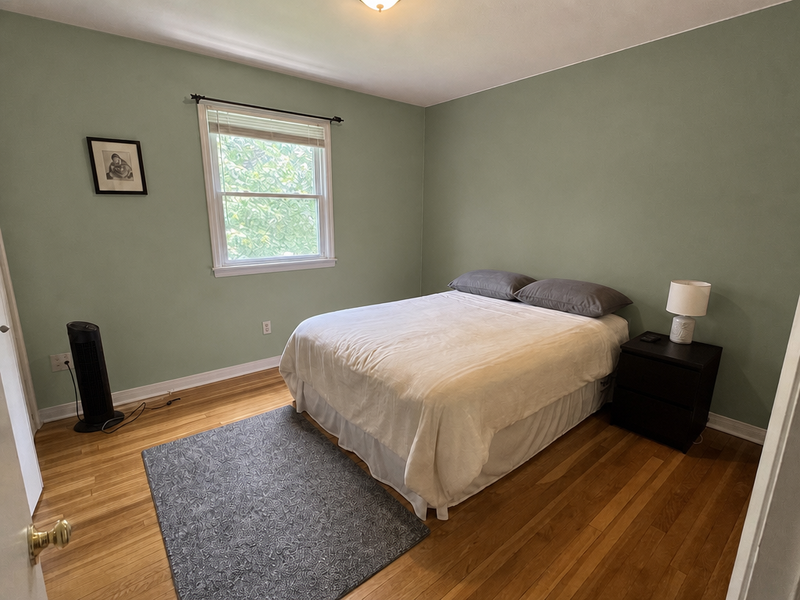 BeforeAfter
Wall repainting
№06New colour, kept materials and shadows.
 BeforeAfter
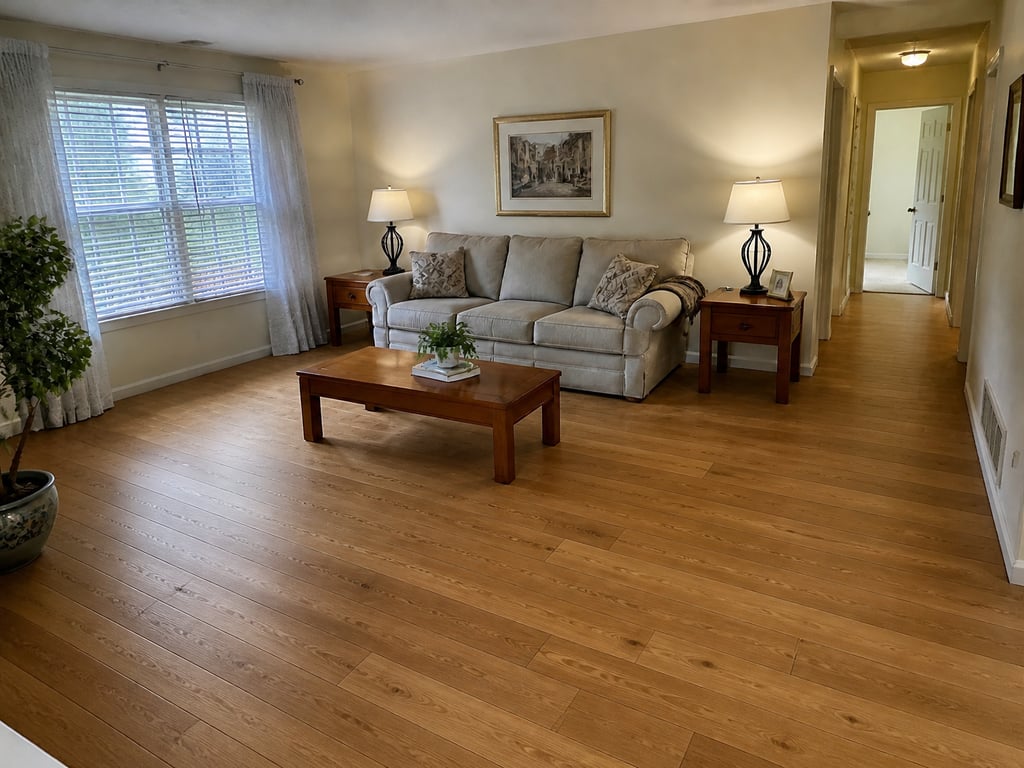
Flooring replacement
№14A new floor — hardwood, tile, or stone — same room and light.
 BeforeAfter
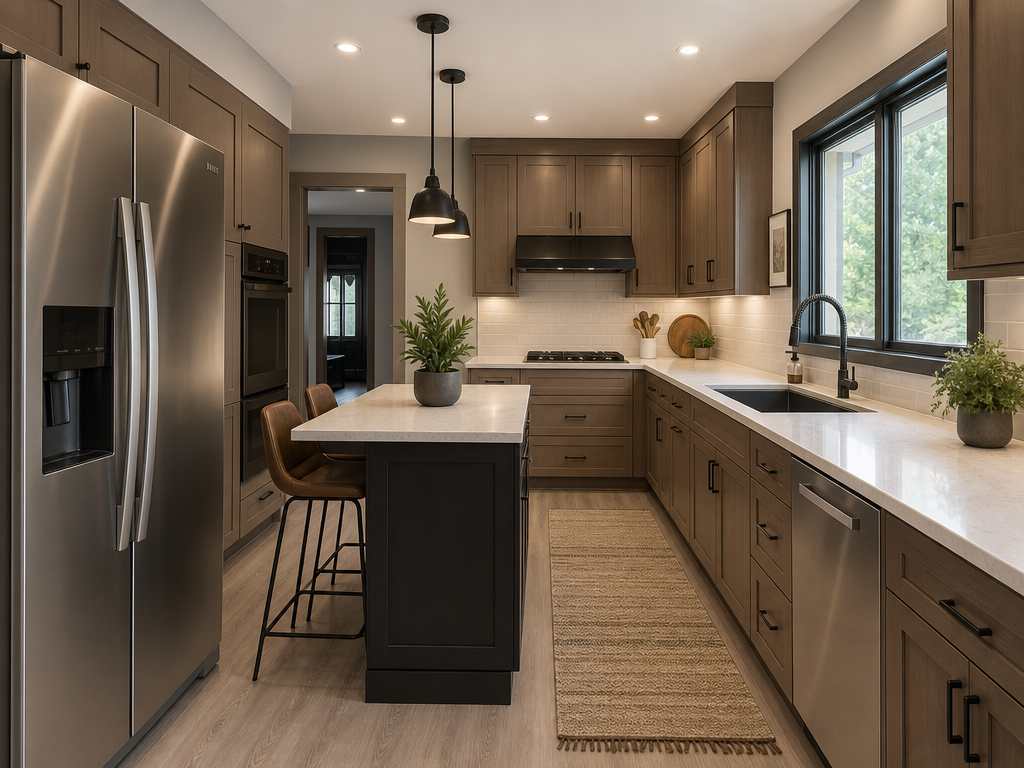
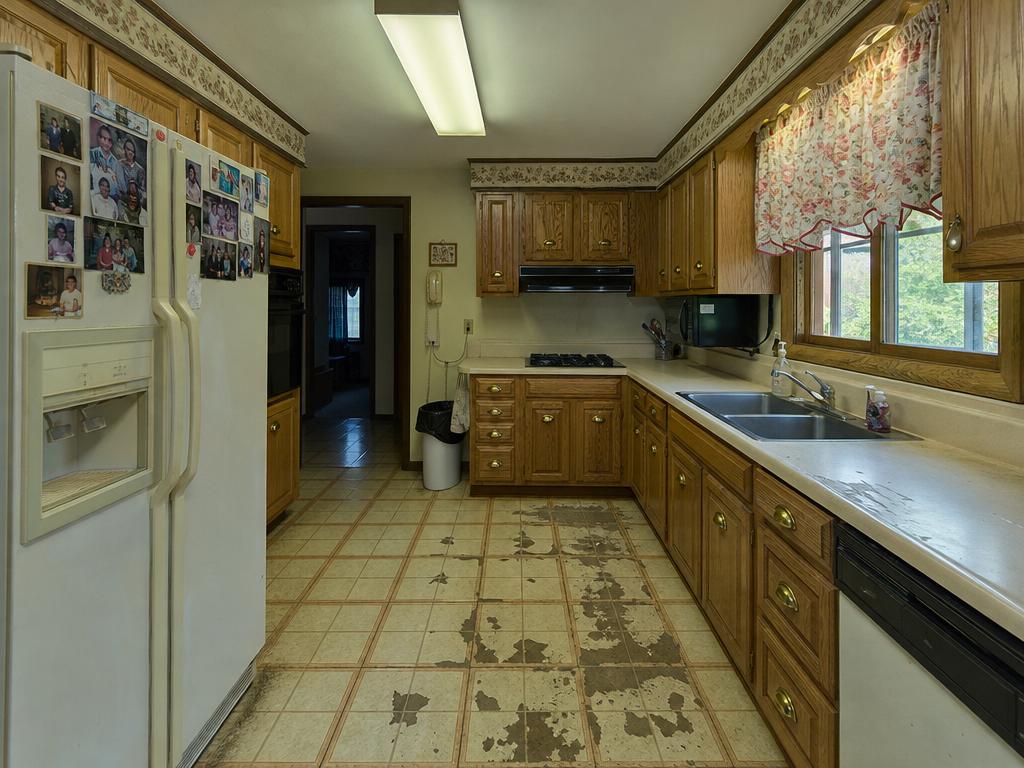
Interior renovation
№17Show the room as it could be, not as it is.
 BeforeAfter
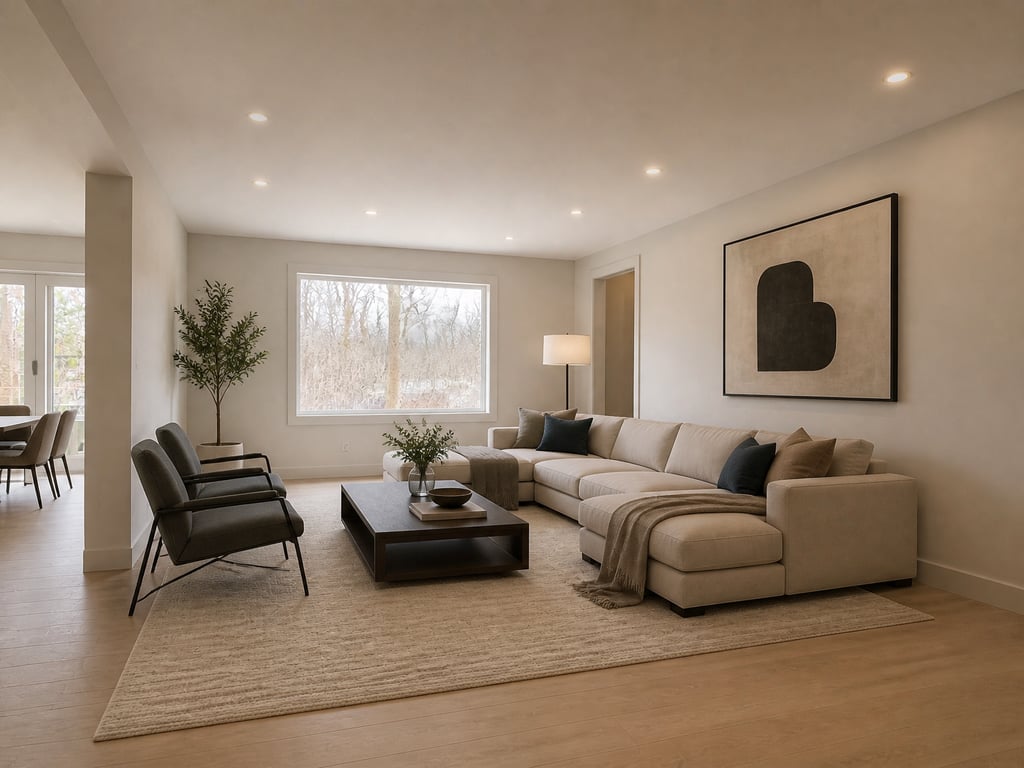
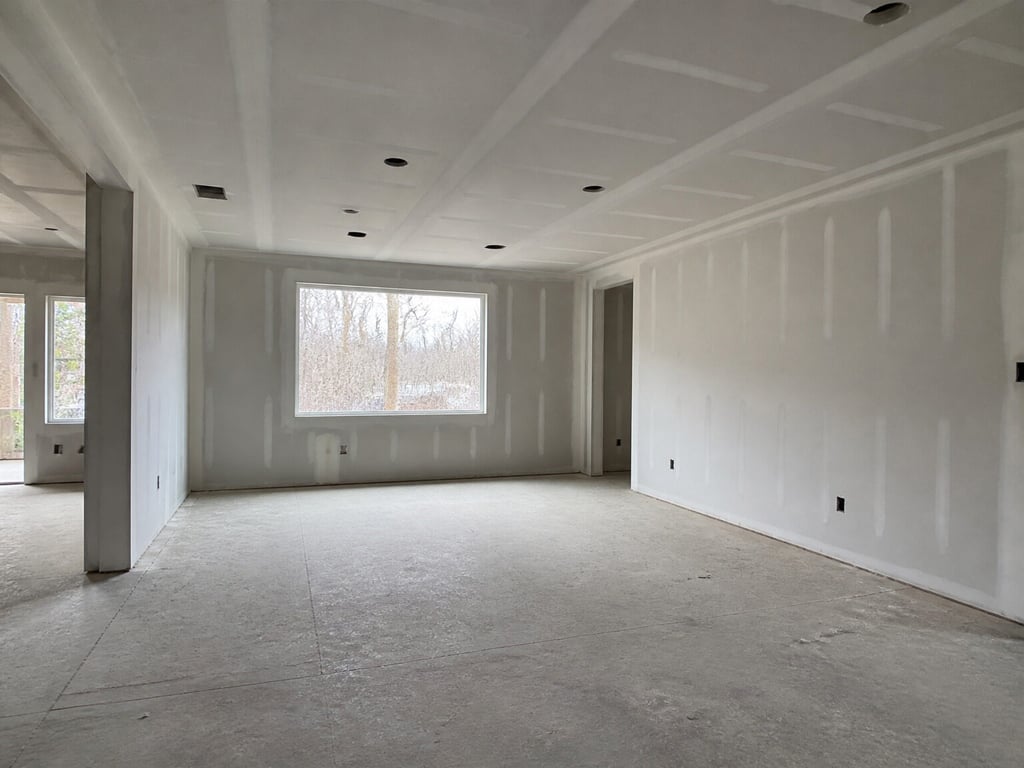
Interior 3D rendering
№28Turn a bare or unfinished room into a finished, furnished space.
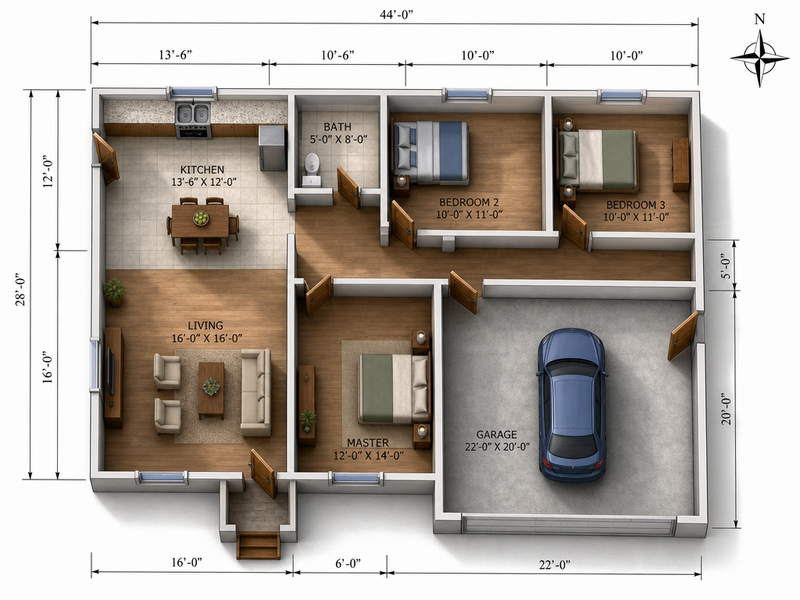 BeforeAfter
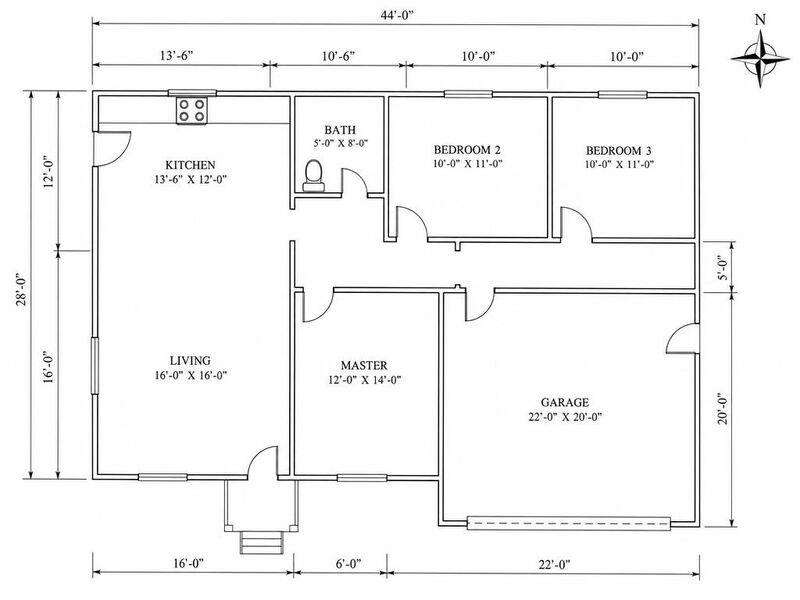
2D to 3D floor plan
№18Lift a flat plan into a sited 3D view.
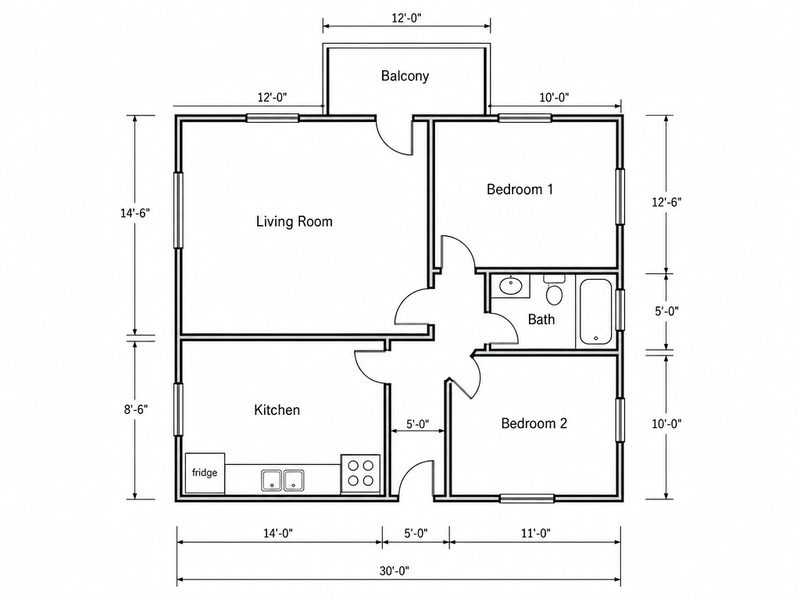 BeforeAfter
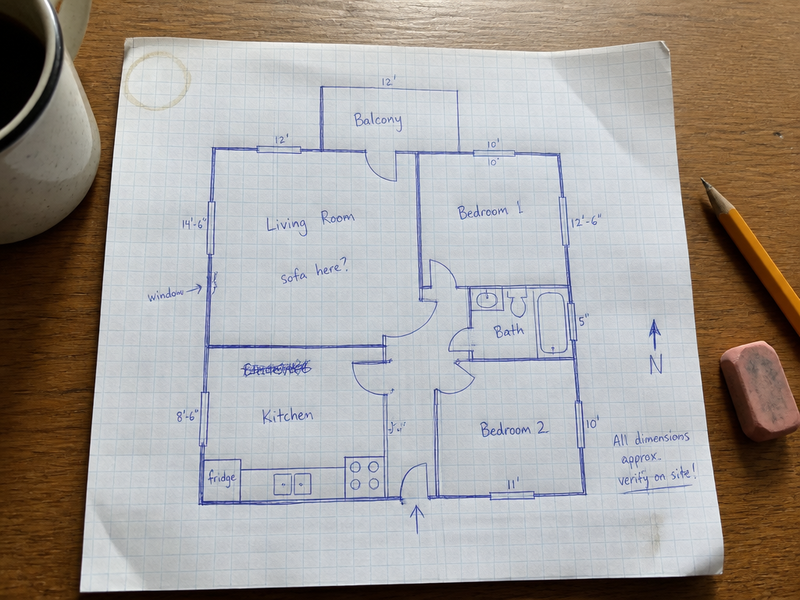
Sketch to floor plan
№26Clean redraw of a hand-drawn floor plan.
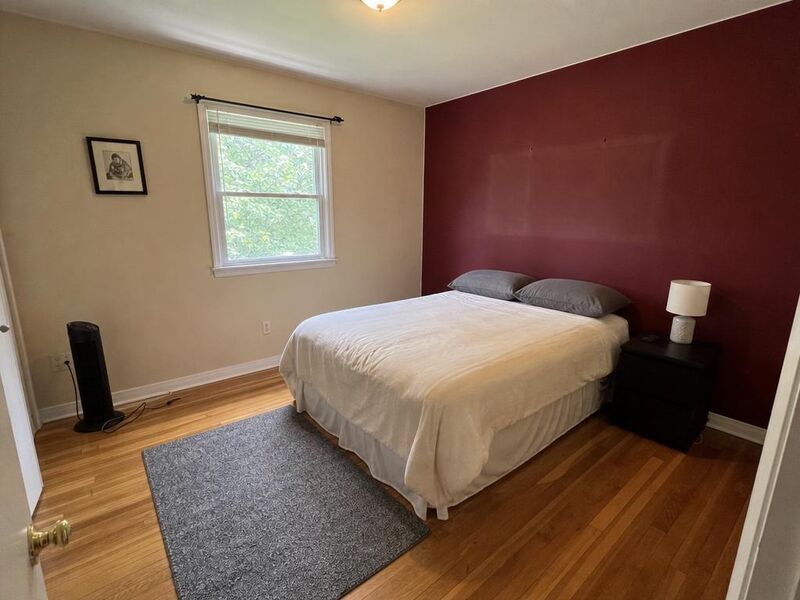
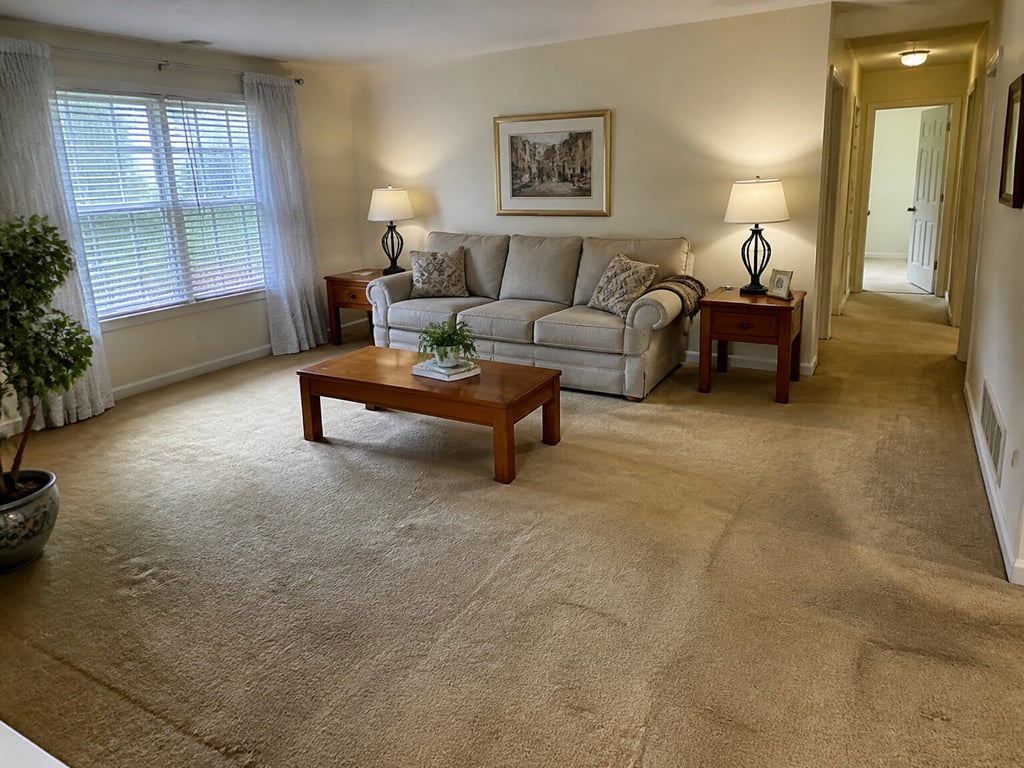
03
Cleanup & quality
Remove the clutter, straighten the lines, balance the light. The quiet pass.
See the entry →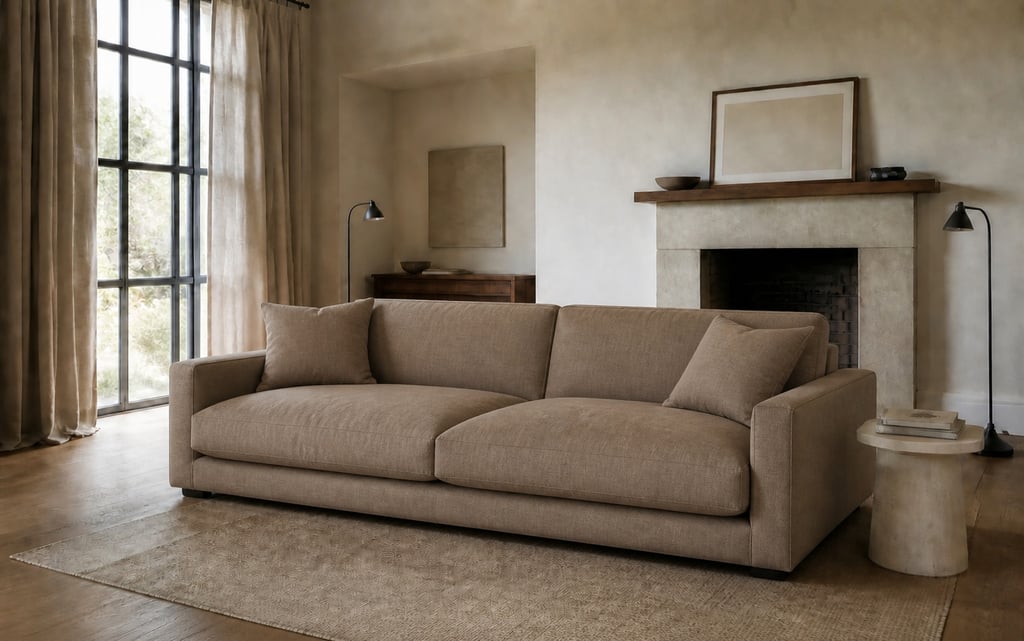 BeforeAfter
Spot edit
№04Quiet, swap, or move a single piece.
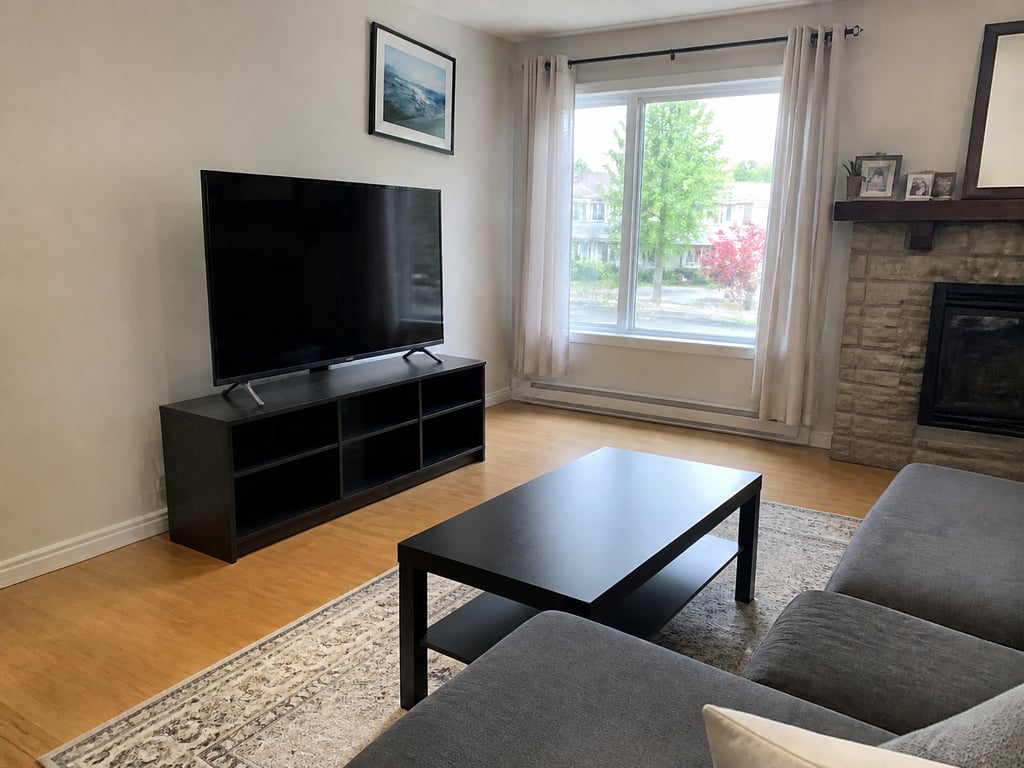 BeforeAfter
Object removal
№29Erase clutter, cords, and stray objects — background rebuilt cleanly.
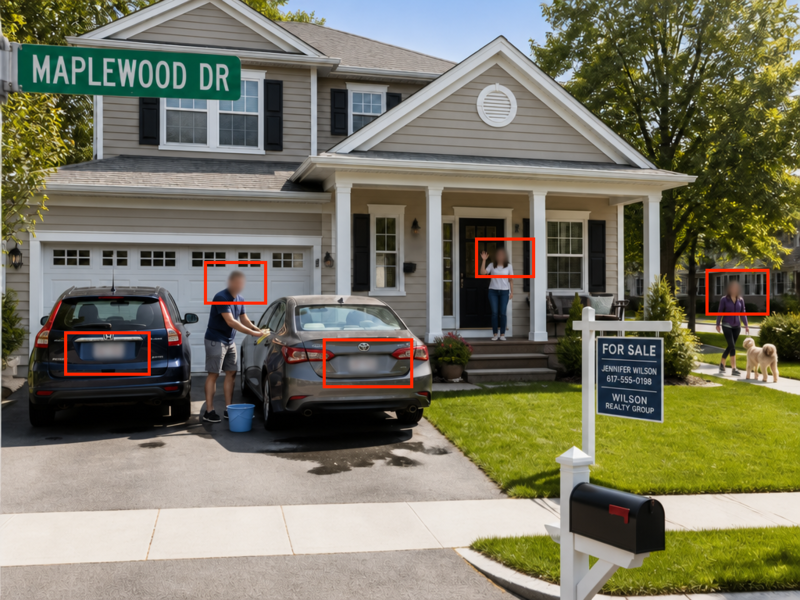 BeforeAfter
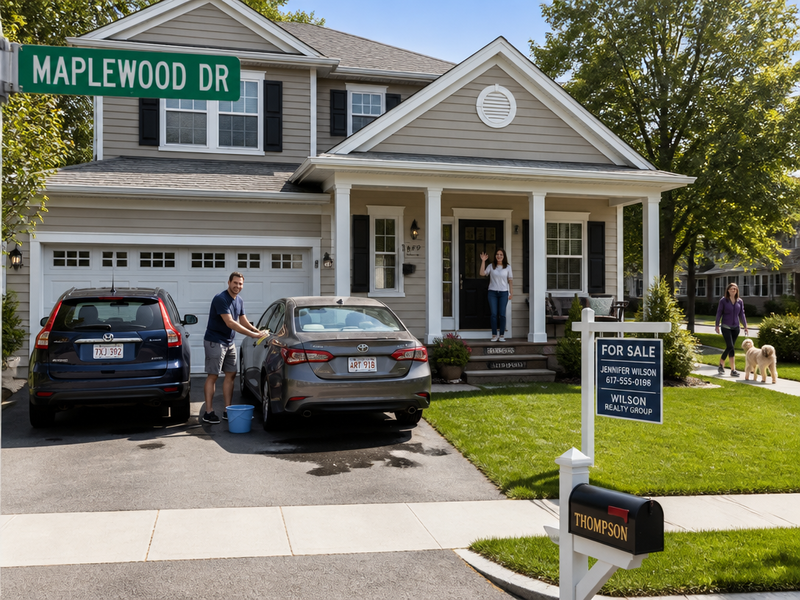
Privacy redaction
№23Faces, plates, and house numbers — quietly covered.
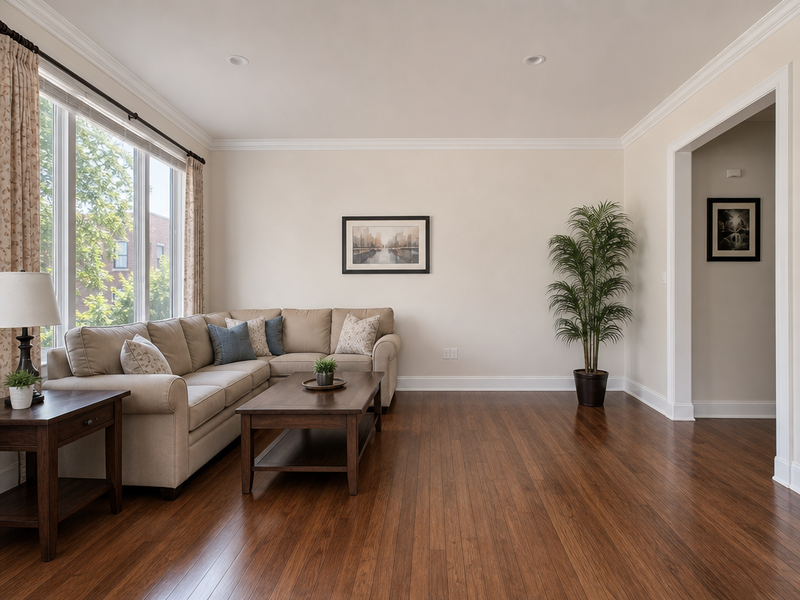 BeforeAfter
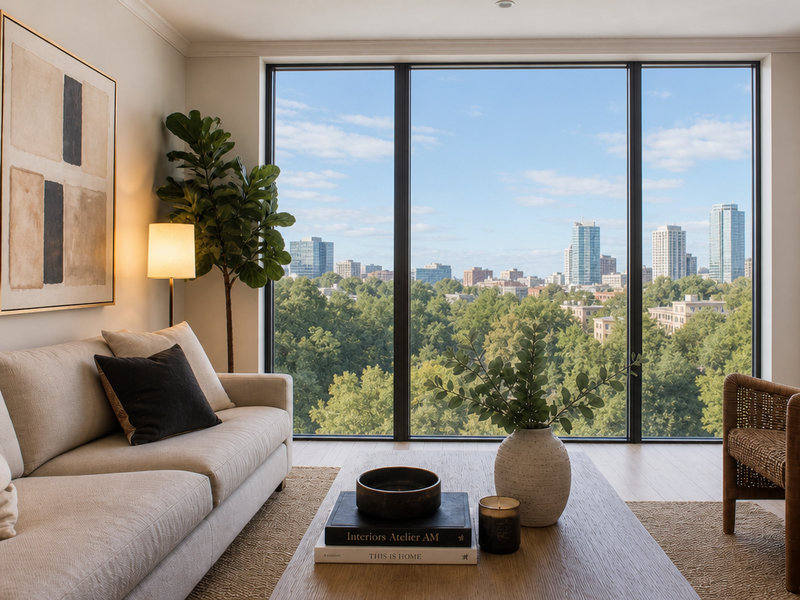
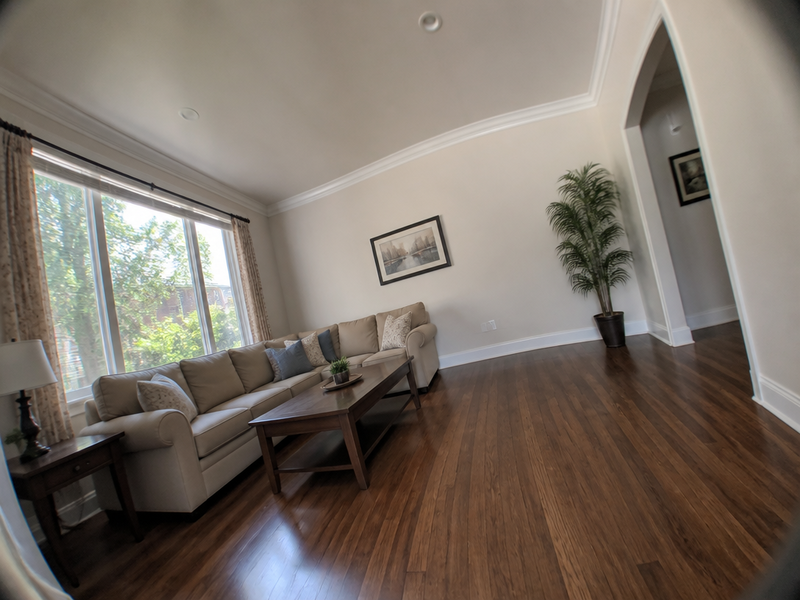
Image straightening
№21Verticals plumb, horizons level, lens distortion gone.
 BeforeAfter
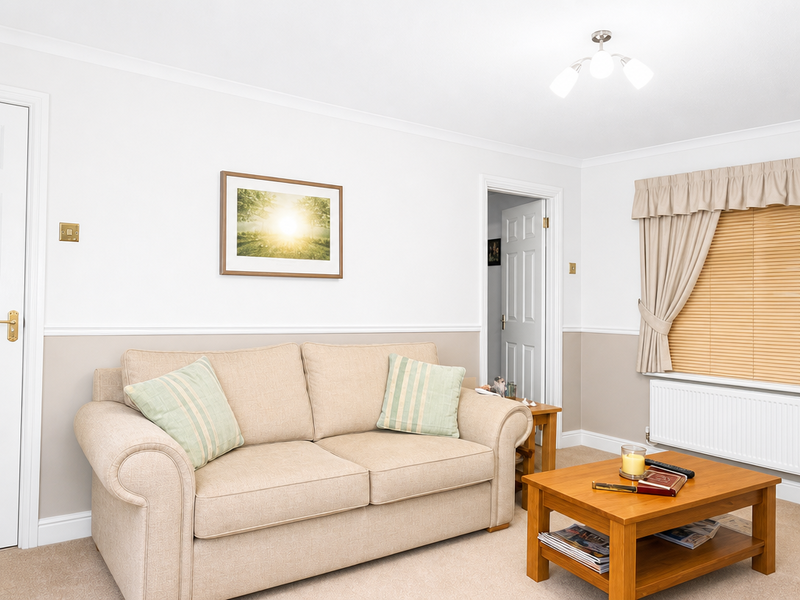
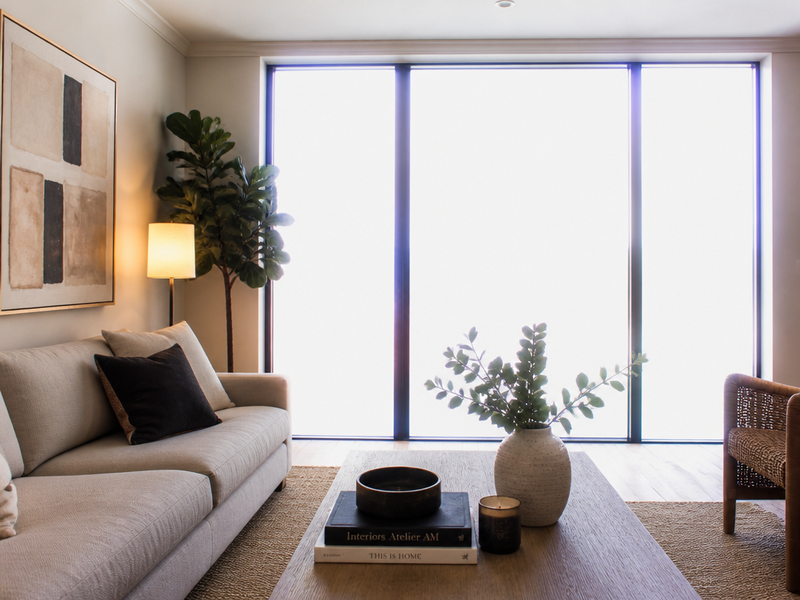
HDR balance
№24Recover blown-out windows, lift interior shadows.
 BeforeAfter
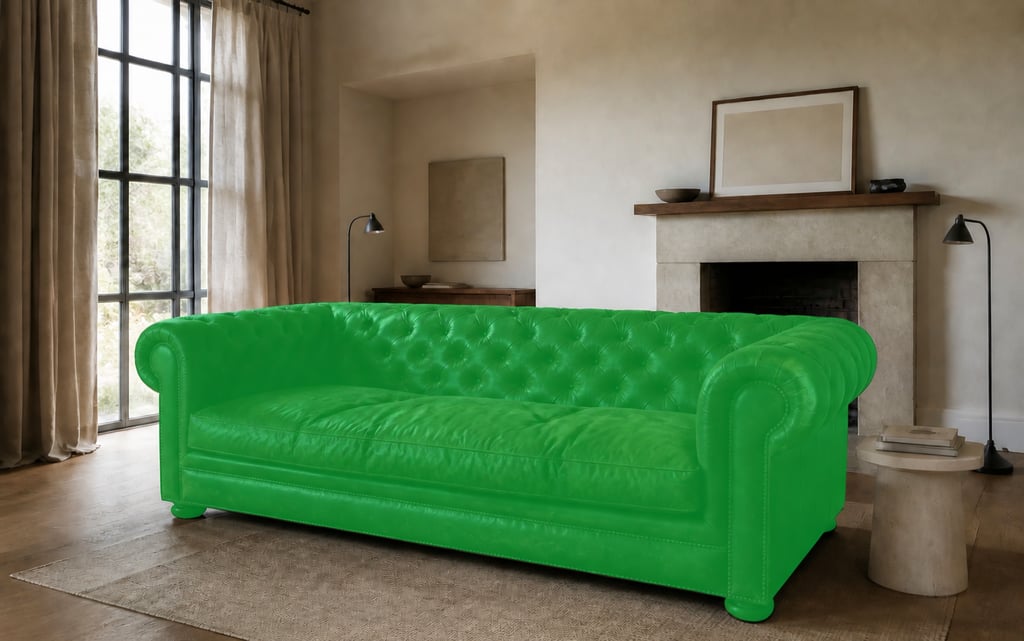
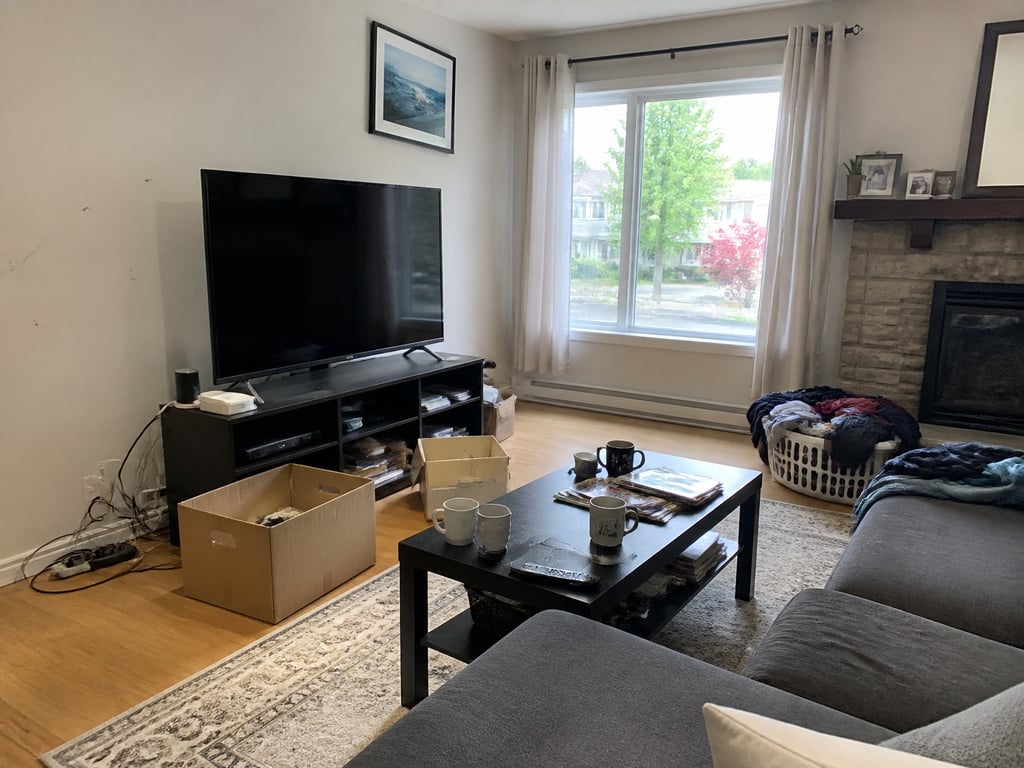
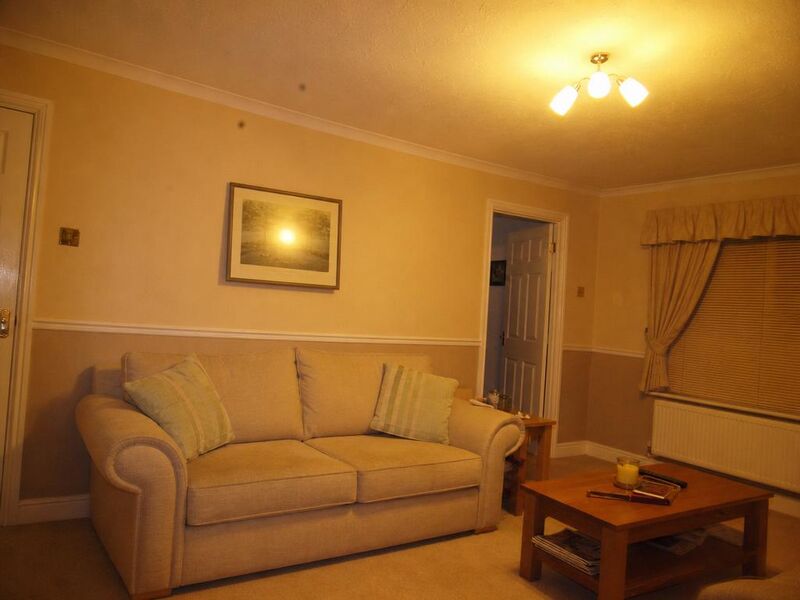
Photo enhancement
№09Quiet corrections — colour, geometry, lens.
04
Light, sky & weather
Adjust the time of day, the weather, the sky — and the view — without re-shooting.
See the entry →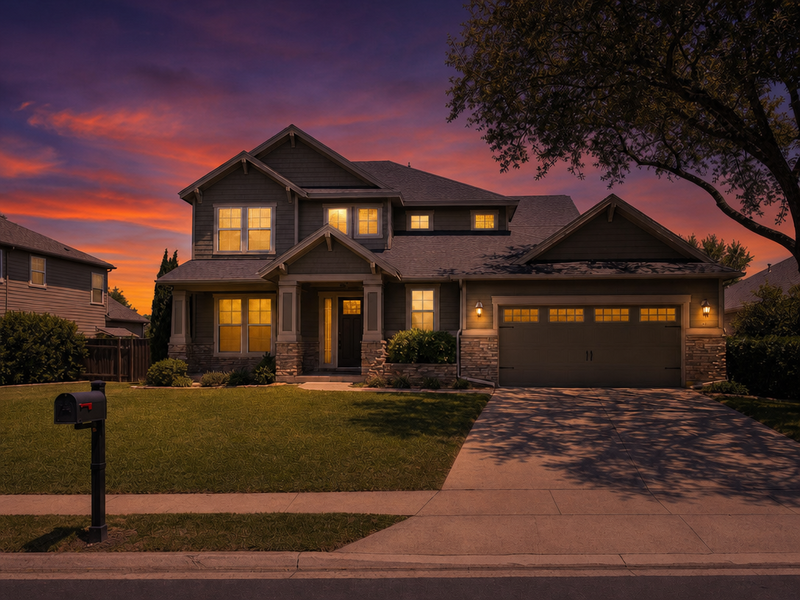 BeforeAfter
Day to dusk
№07Match the dusk frame to the daylight one.
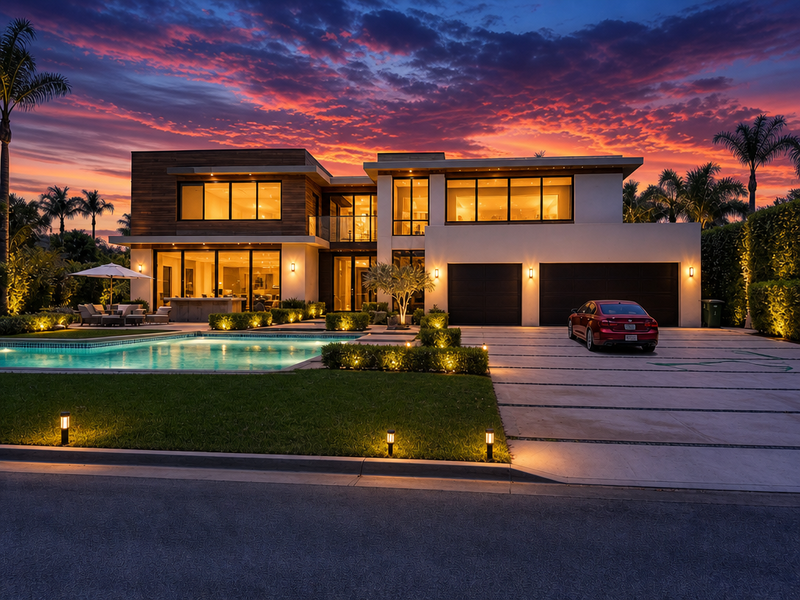 BeforeAfter
Twilight marketing
№25Hero-shot twilight — every light on, every cover-ready.
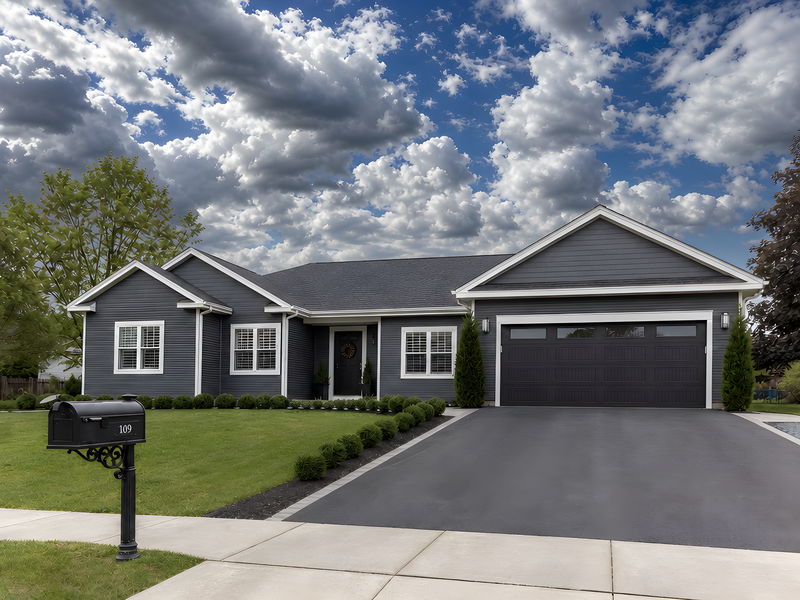 BeforeAfter
Sky replacement
№08Honest skies, light unchanged.
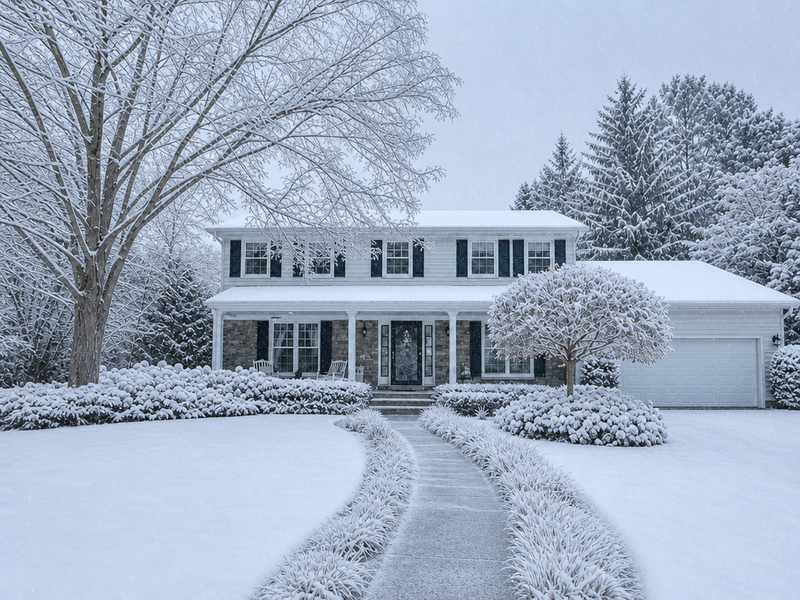 BeforeAfter
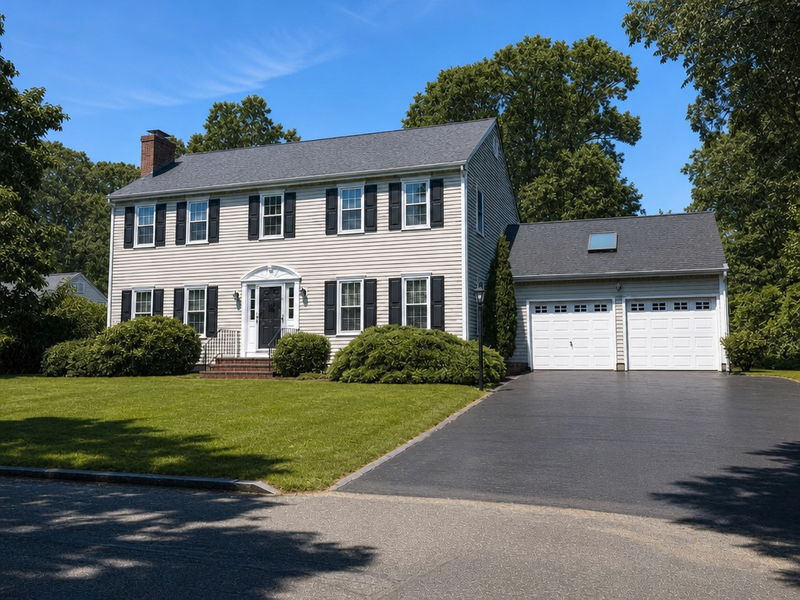
Change season
№10Move the same shot through the year.
 BeforeAfter
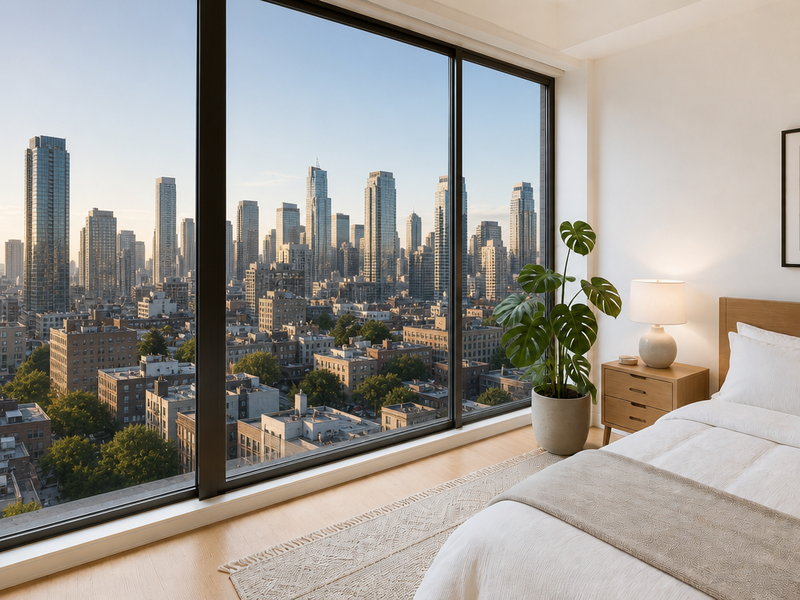
Change weather
№11A different sky than the one you got.
 BeforeAfter
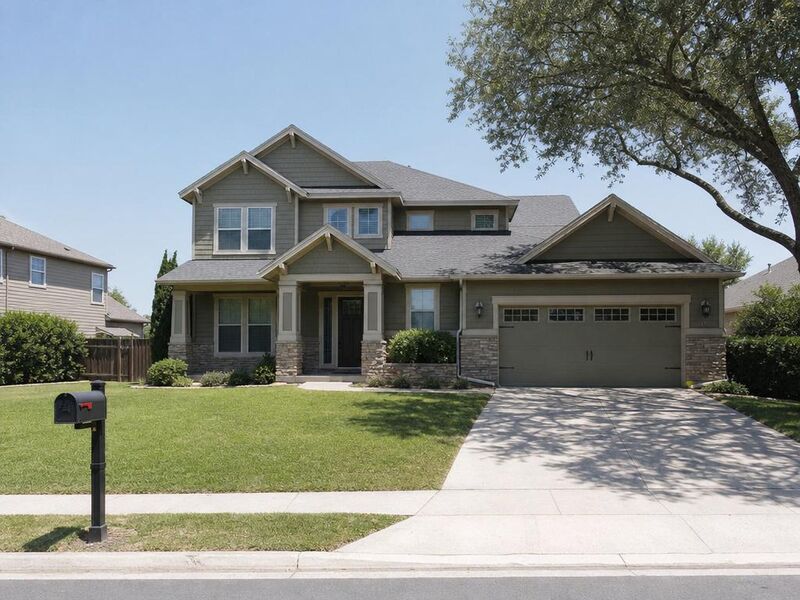
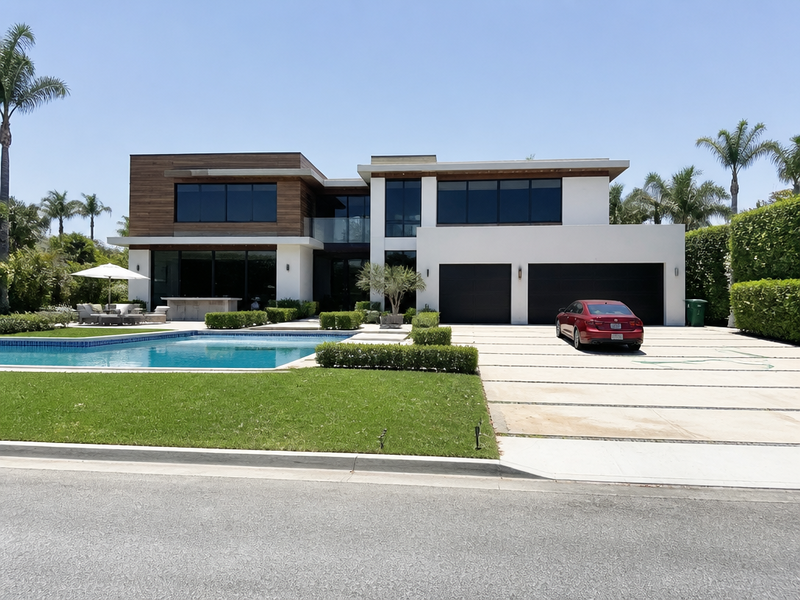
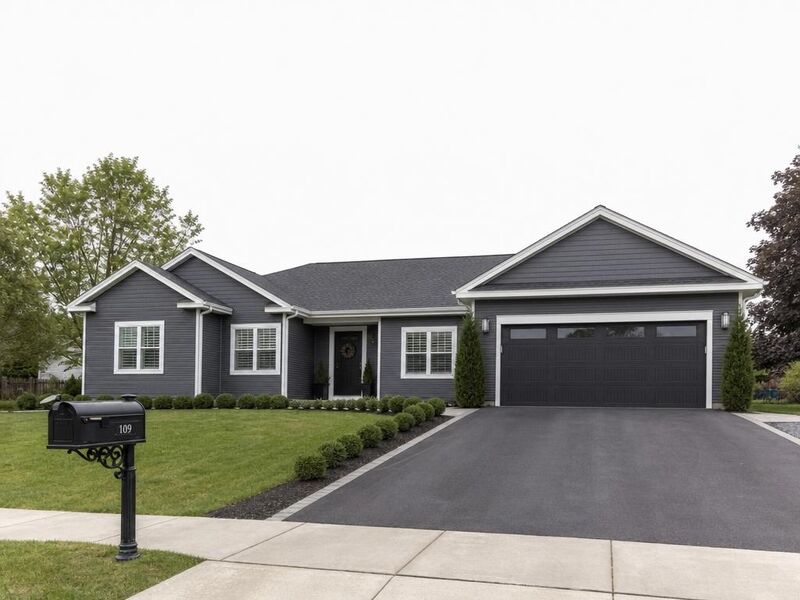
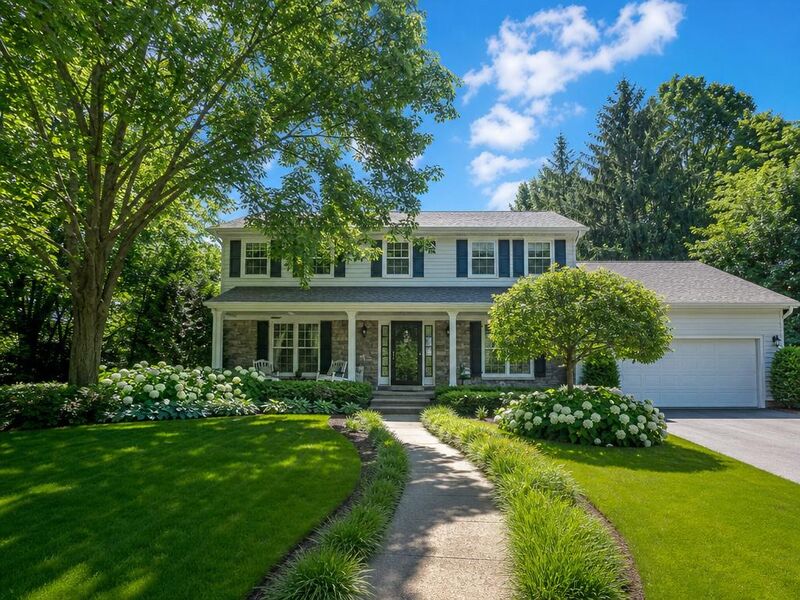
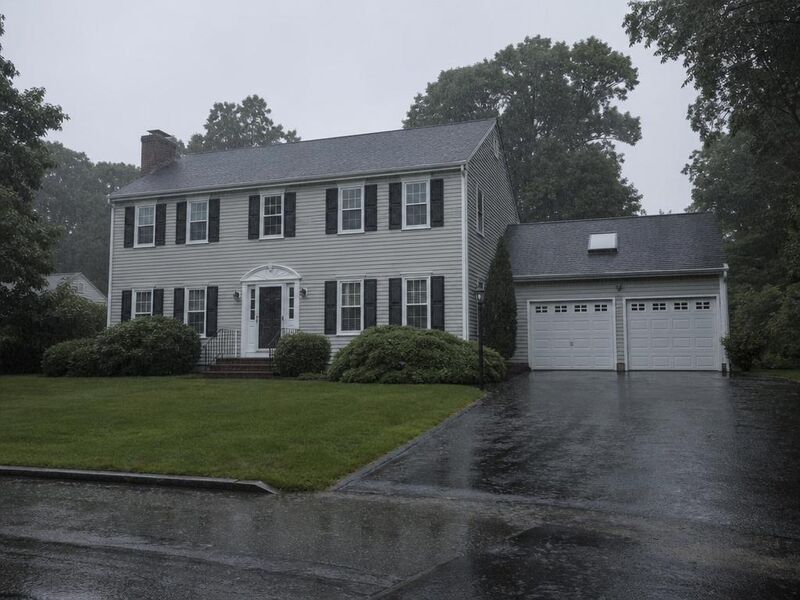
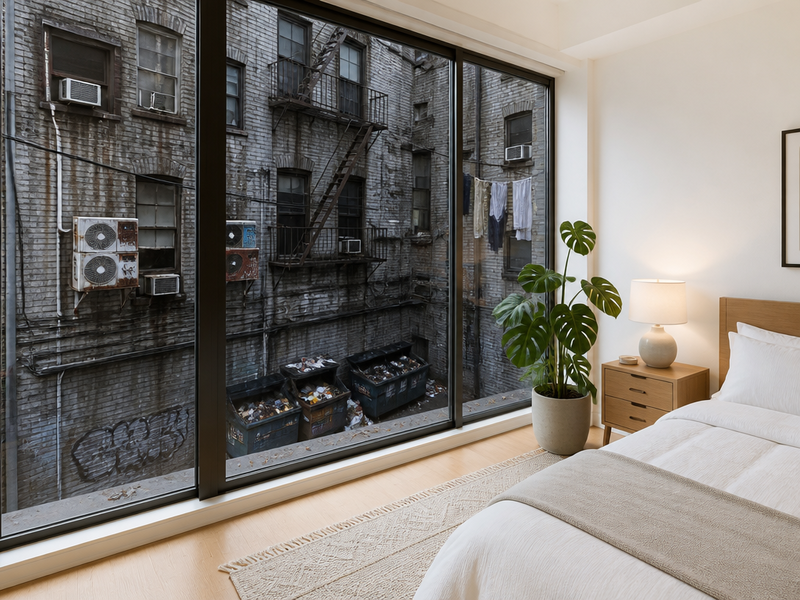
Window view replacement
№22Forest, ocean, skyline, or garden — through the same glass.
05
Exterior & curb appeal
Façades, lawns, and the view from the air. The first frame, at the curb.
See the entry →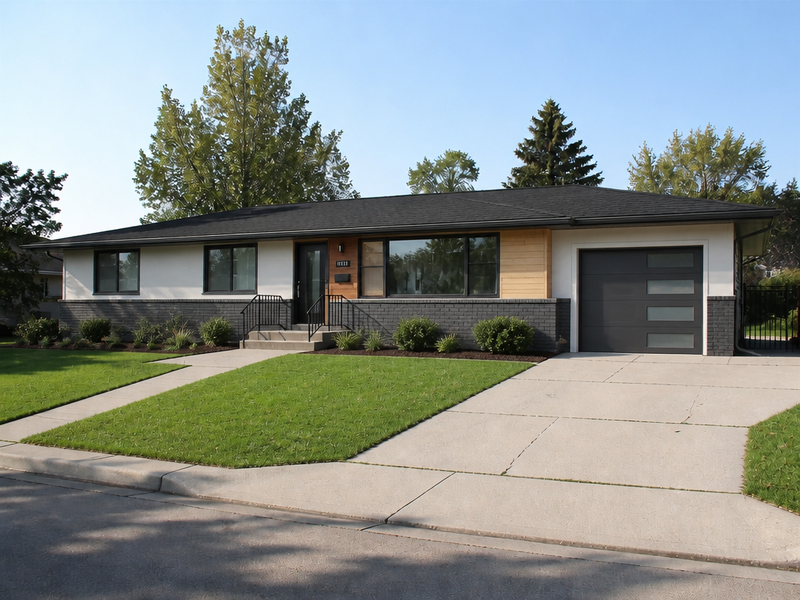 BeforeAfter
Exterior rendering
№15A facade rendered for the cover image.
 BeforeAfter
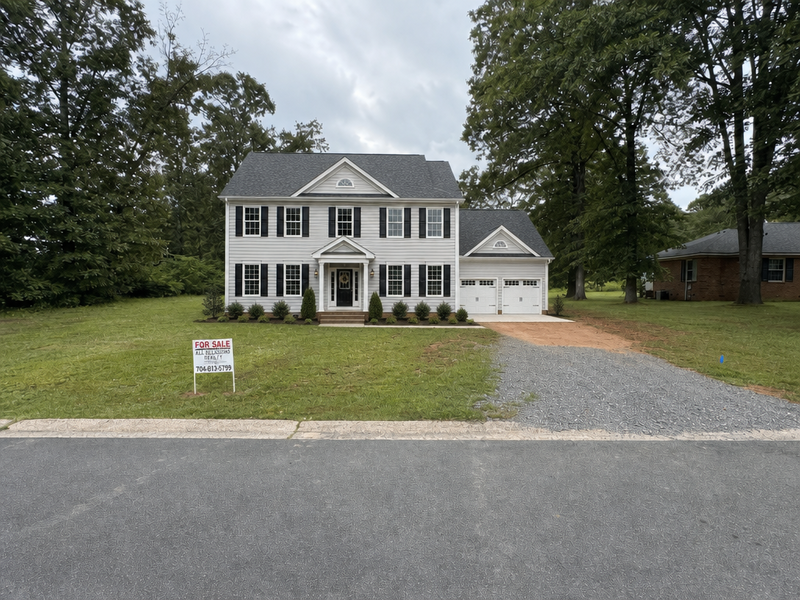
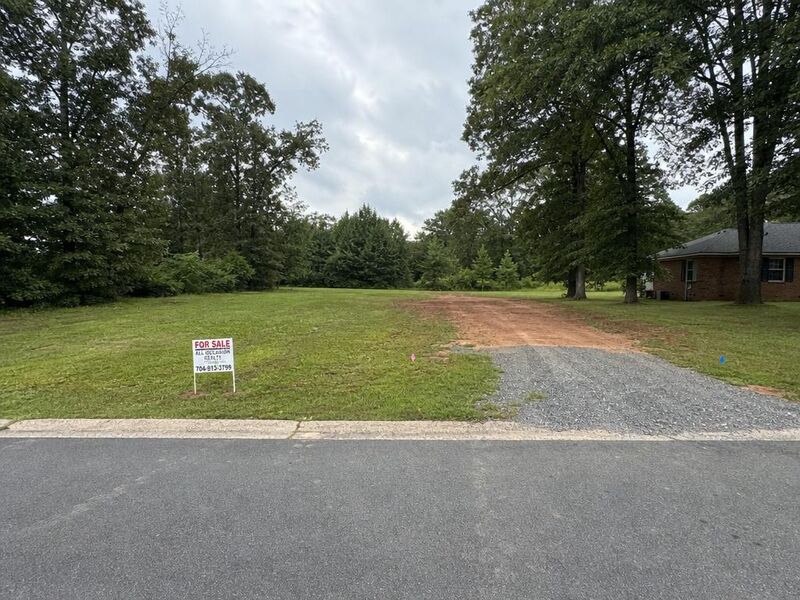
Vacant lot to house
№03Place a home on the lot, sited to the light.
 BeforeAfter
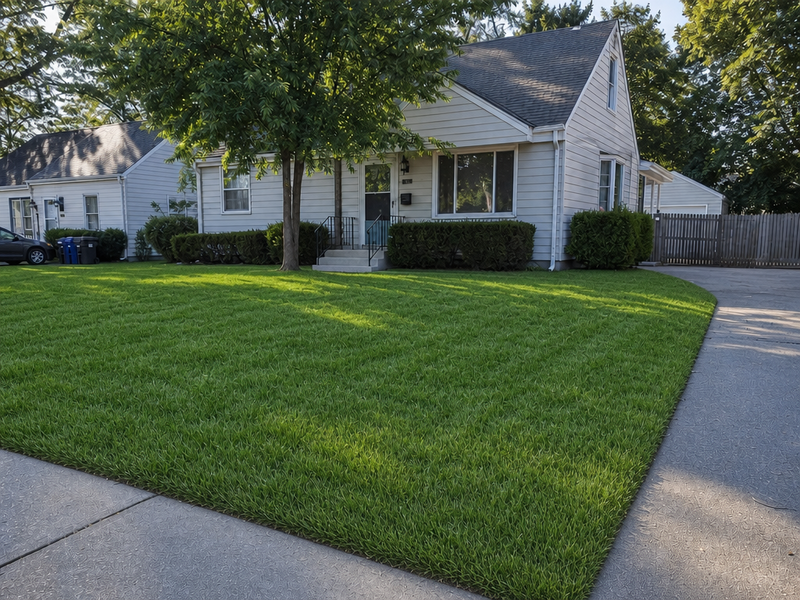
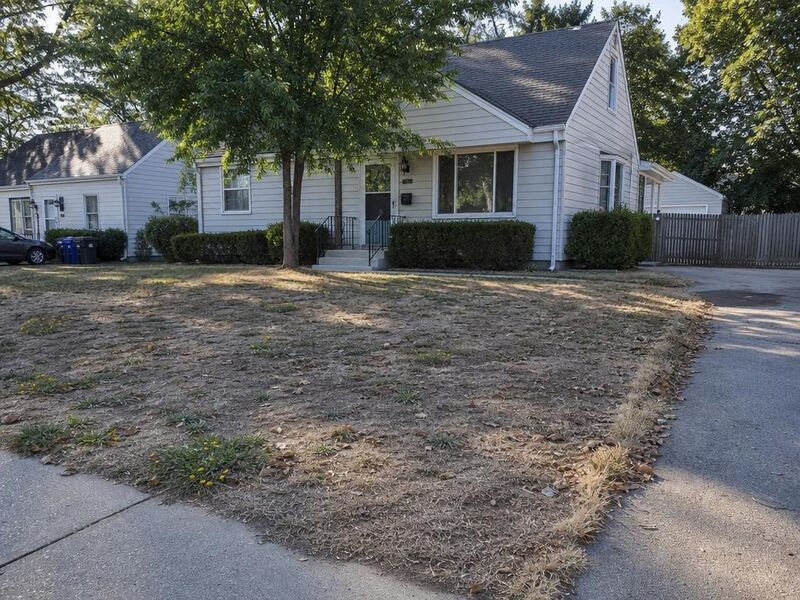
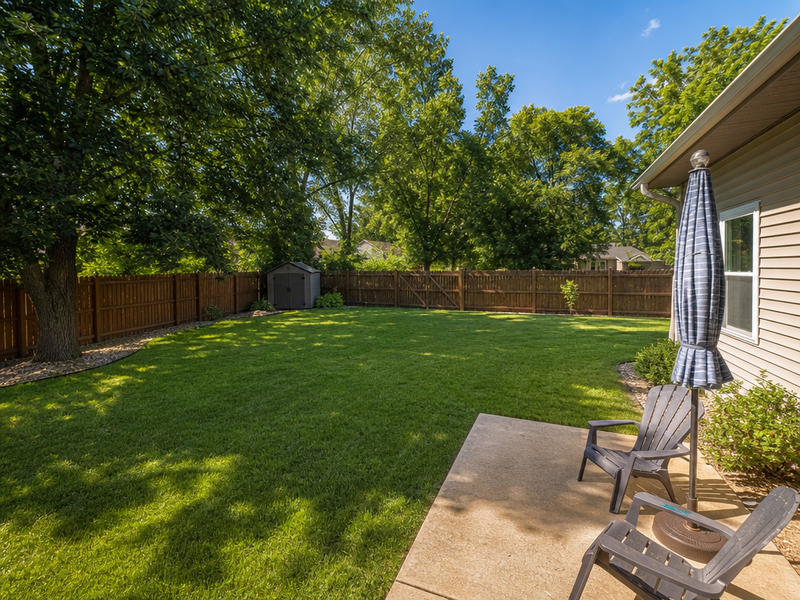
Lawn replacement
№13A green lawn for the listing photo.
 BeforeAfter
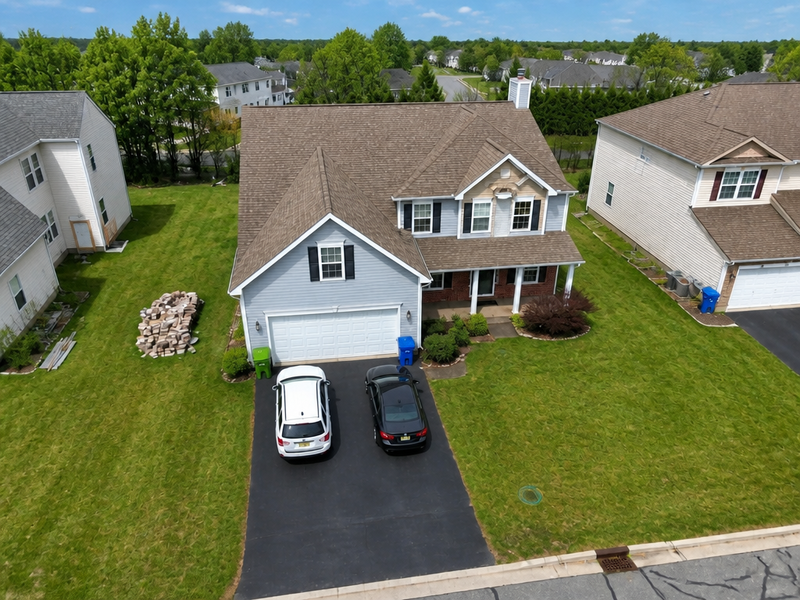
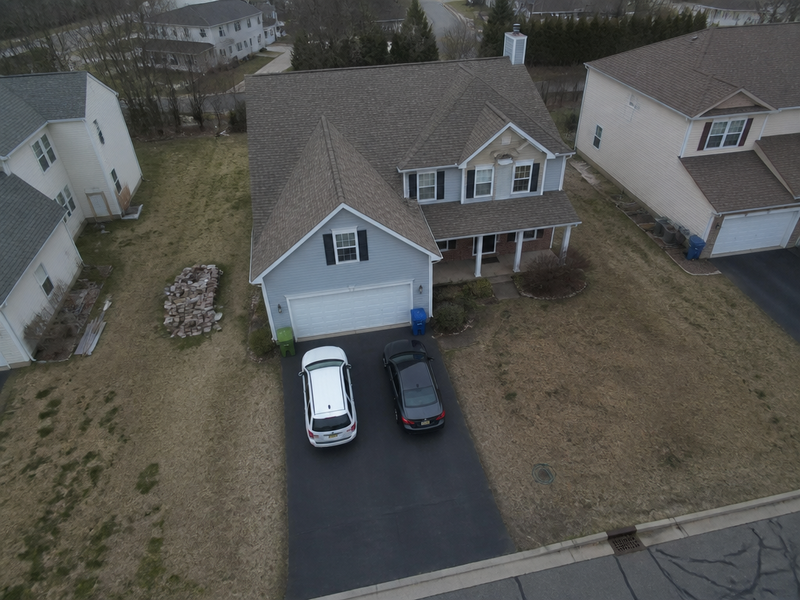
Aerial & drone photo editing
№27Drone frames brought to the same standard as the ground set.
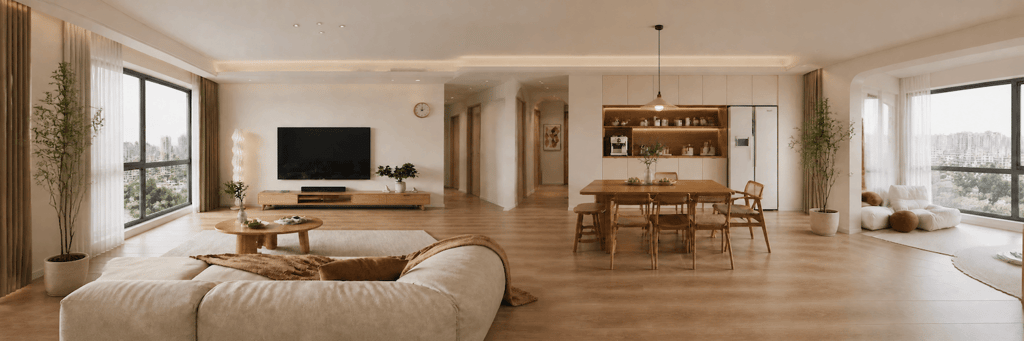
Panorama generator
Beta№20Stitch a walk-through panorama for the listing.
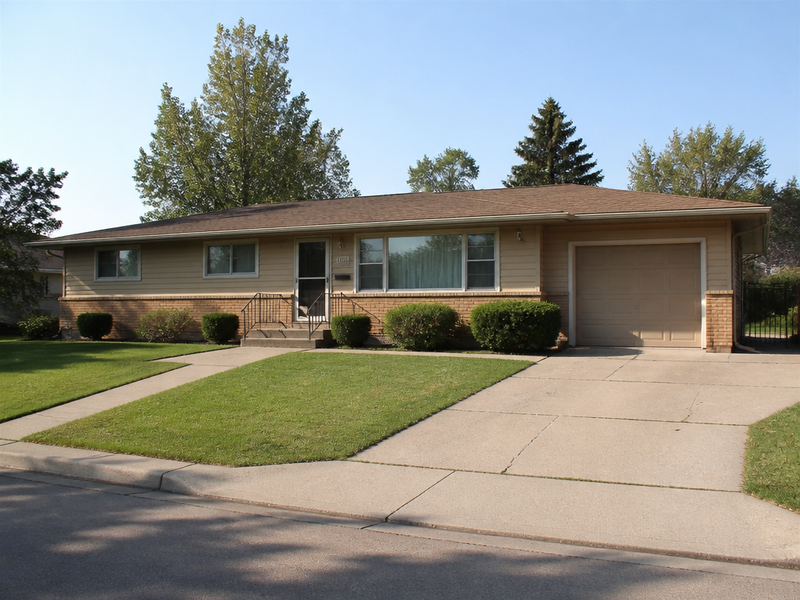
 BeforeAfter
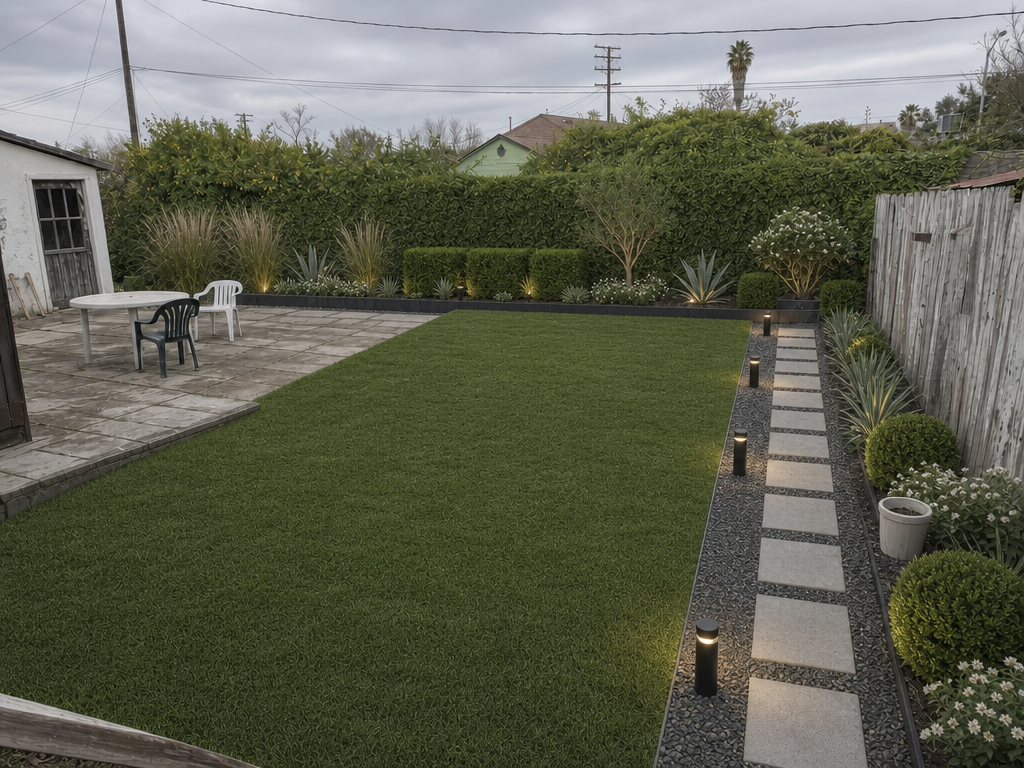
Landscape design
№13A redesigned yard, same property.
 BeforeAfter
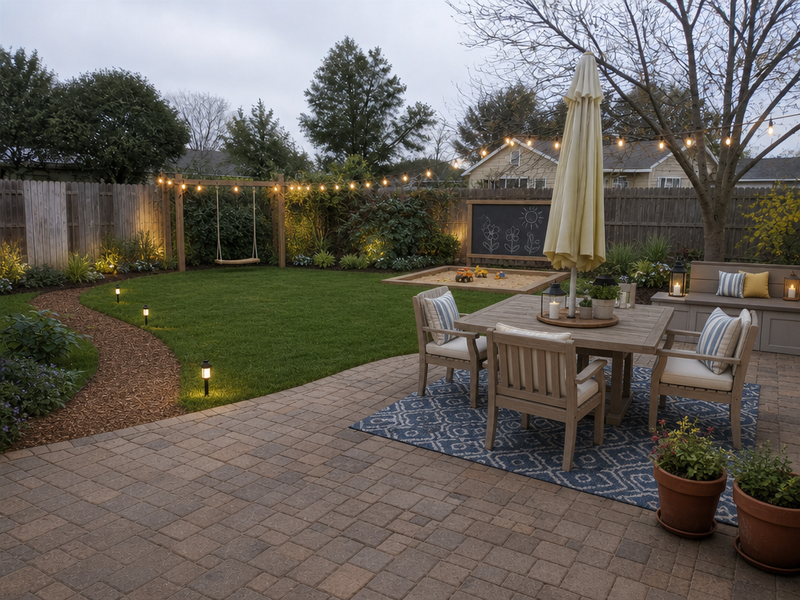
Backyard design
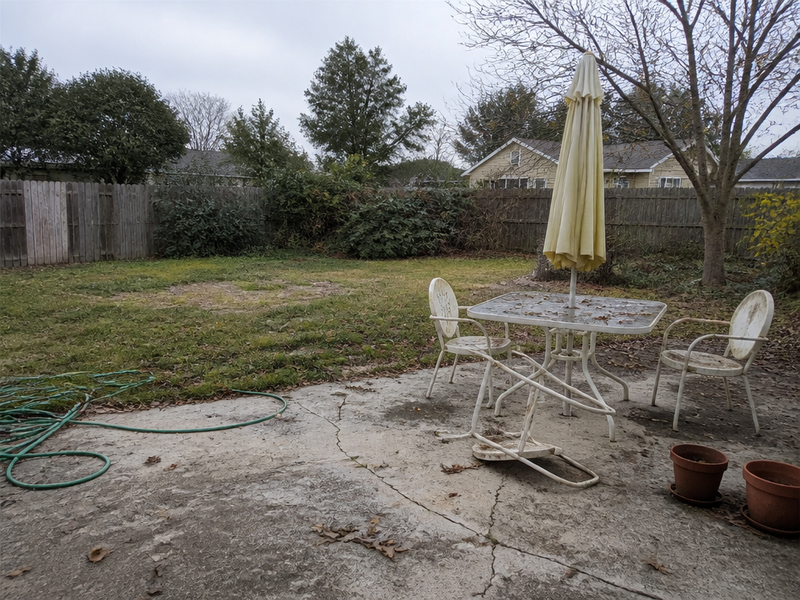
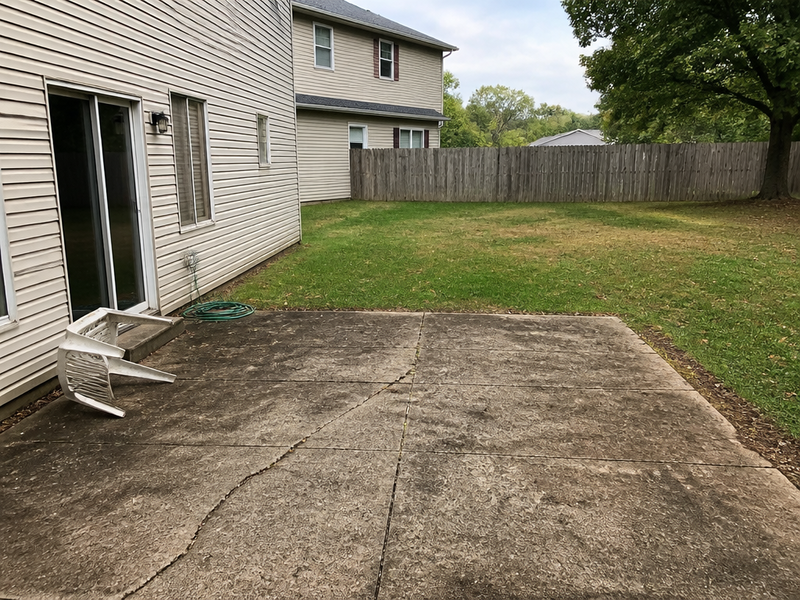
№14A redesigned backyard, same property.
 BeforeAfter
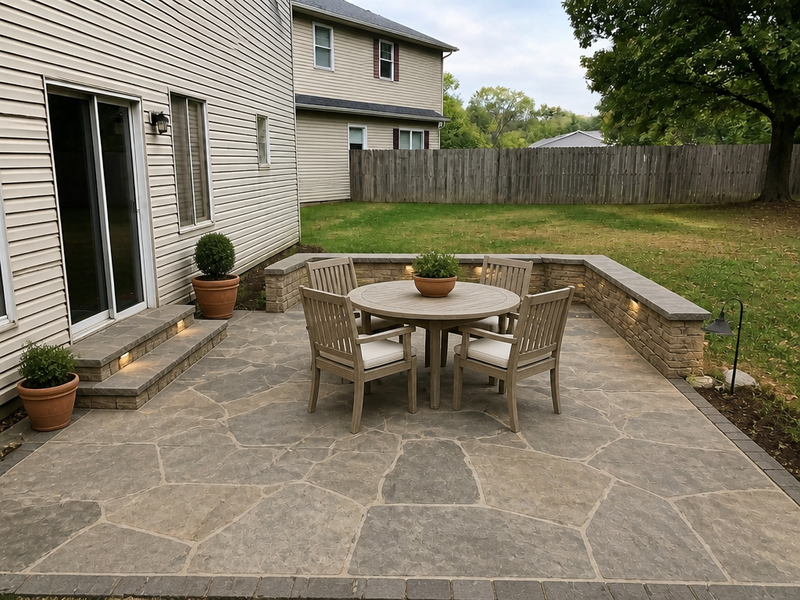
Hardscaping design
№15New patios, paths, and walls — same camera angle.
 BeforeAfter
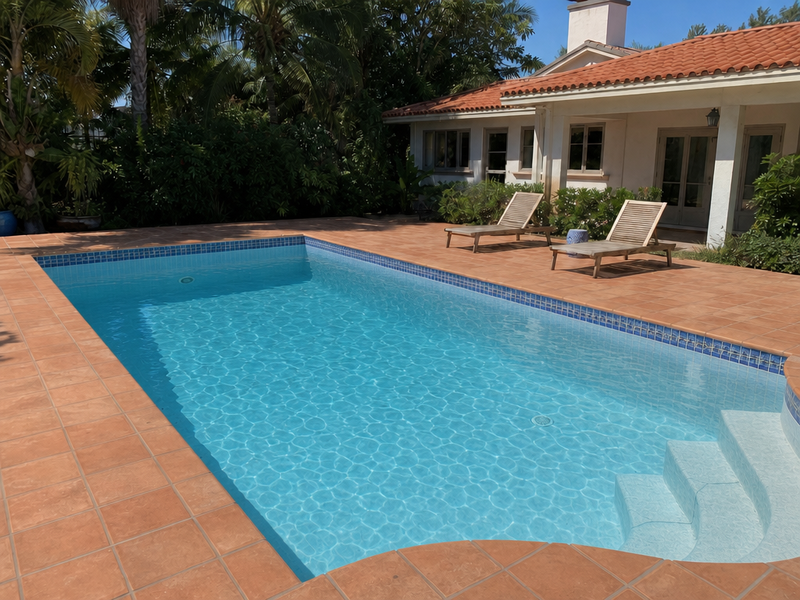
Fill the pool
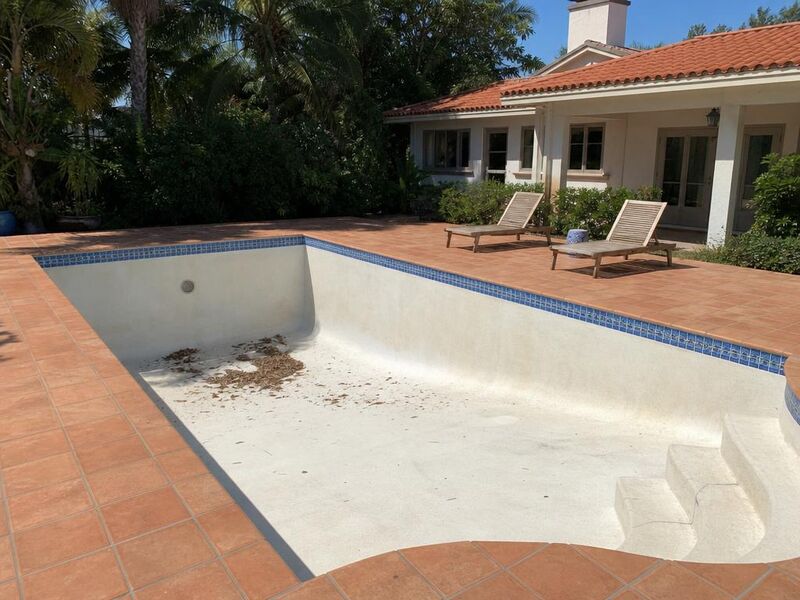
№13Drained or empty pool, swim-day water.
 BeforeAfter
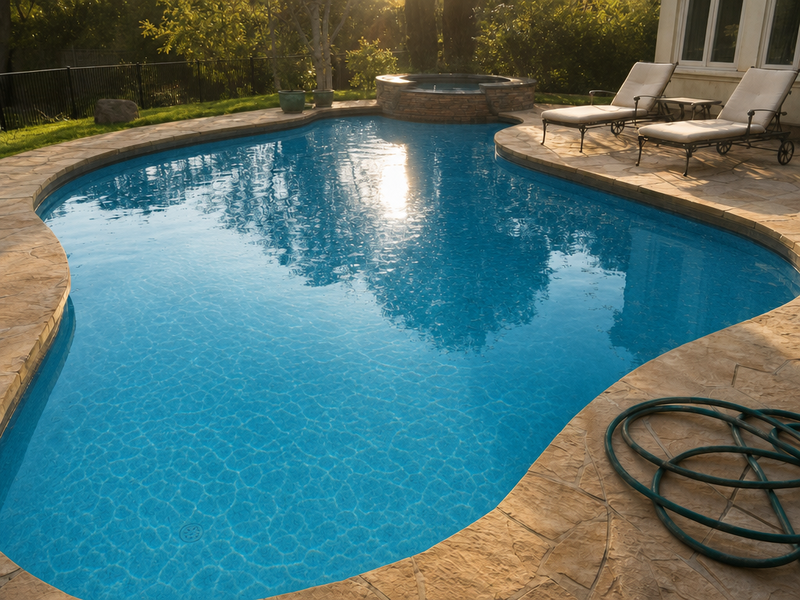
Pool water enhancement
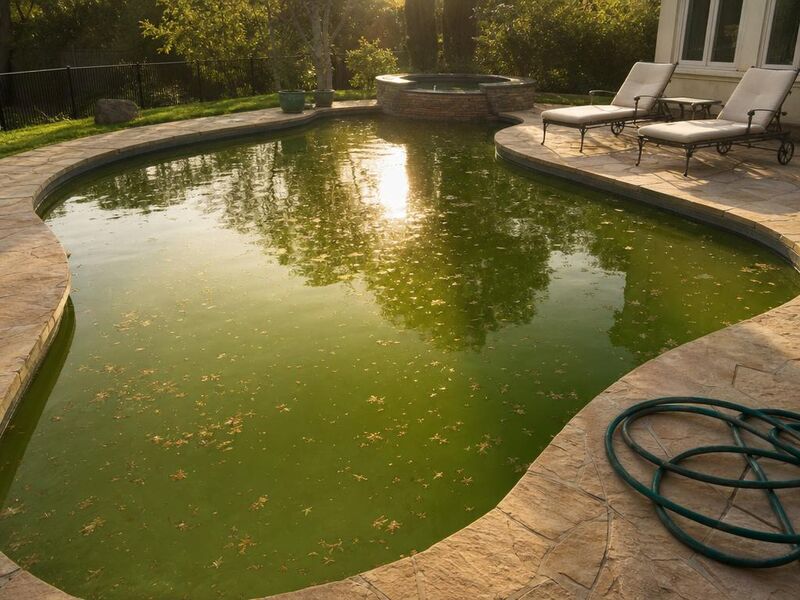
№14Cloudy or green water, true tone.
 BeforeAfter
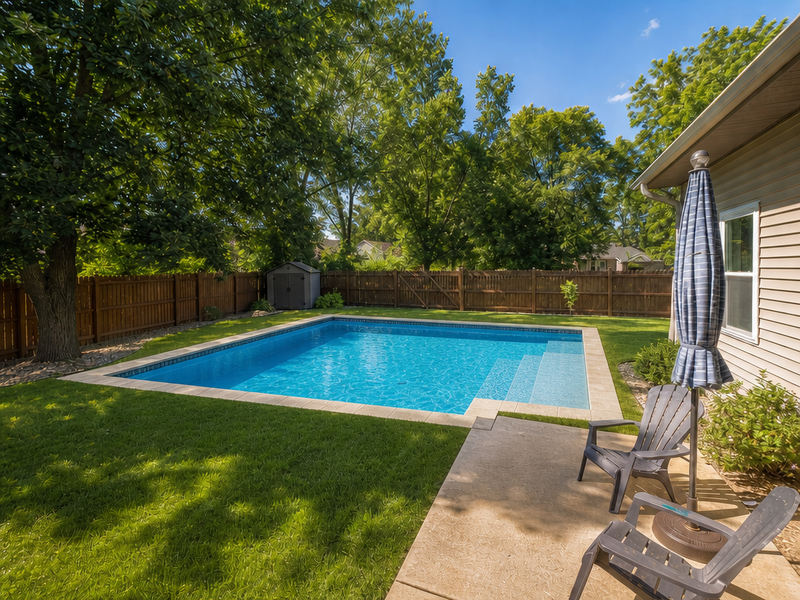
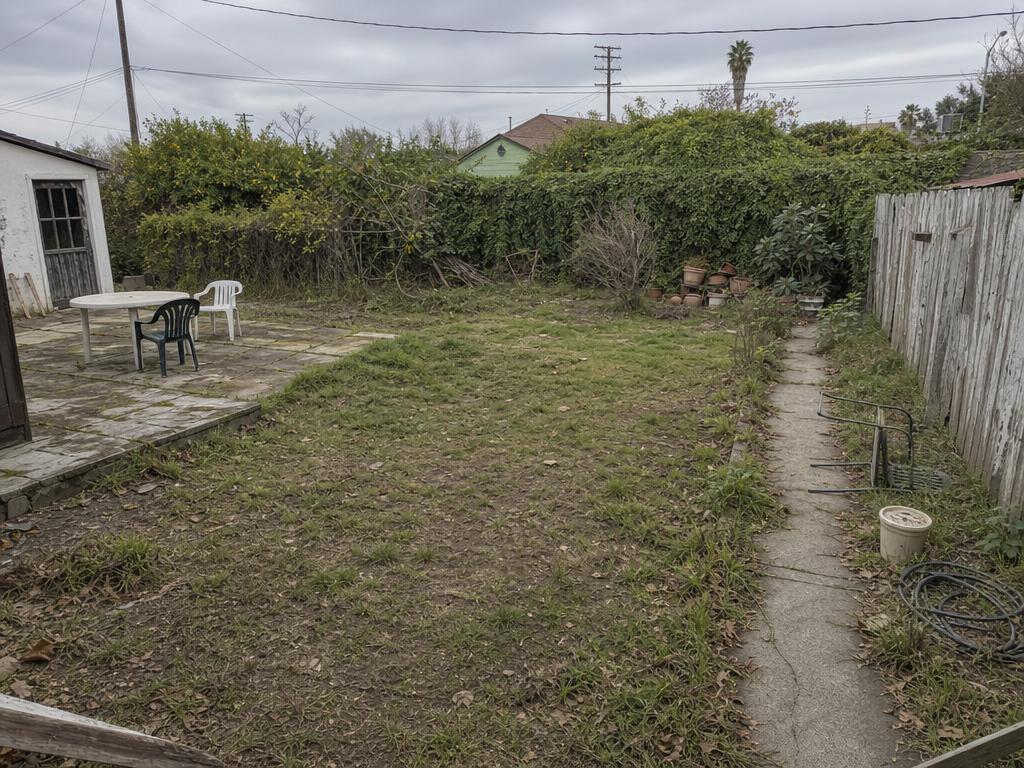
Add a pool
№16Site a pool into the existing yard.
When you don't want to choose, hand the listing to Vesta — she picks the tools and runs them in a single considered pass.